
All Activity
Past hour
-
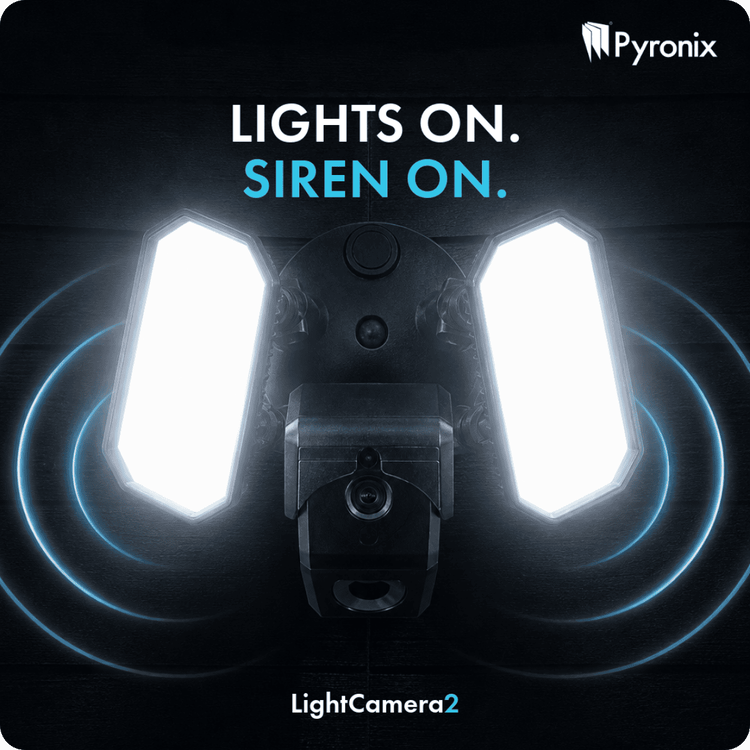
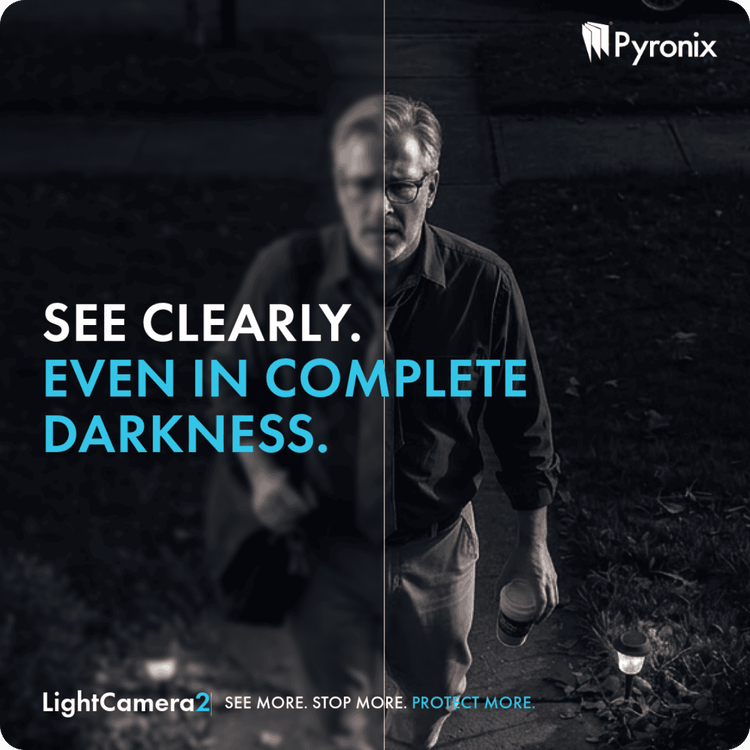
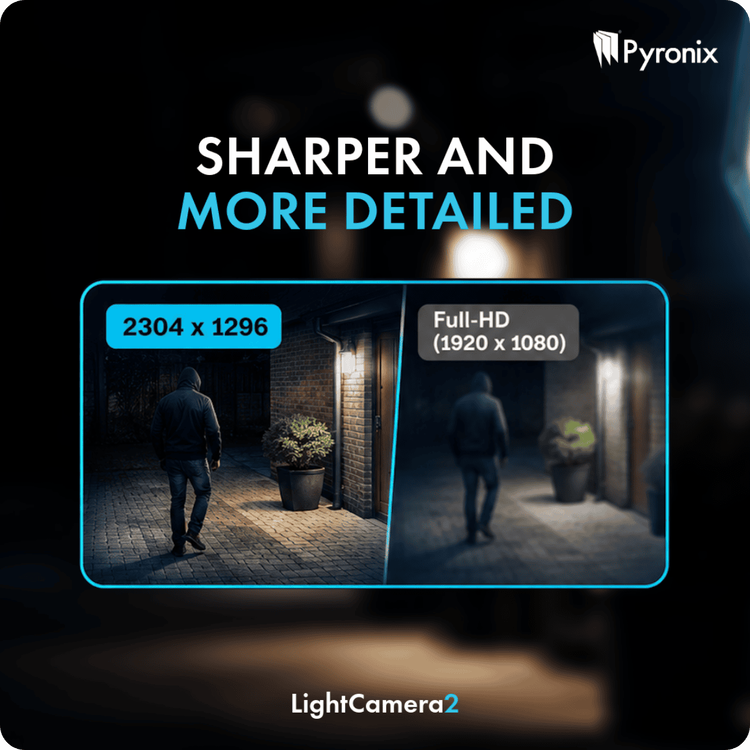
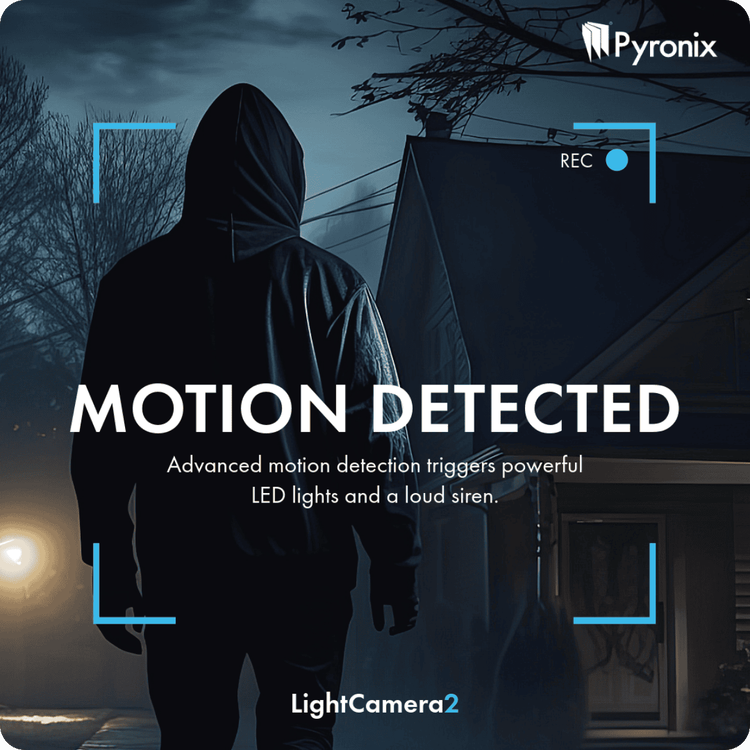
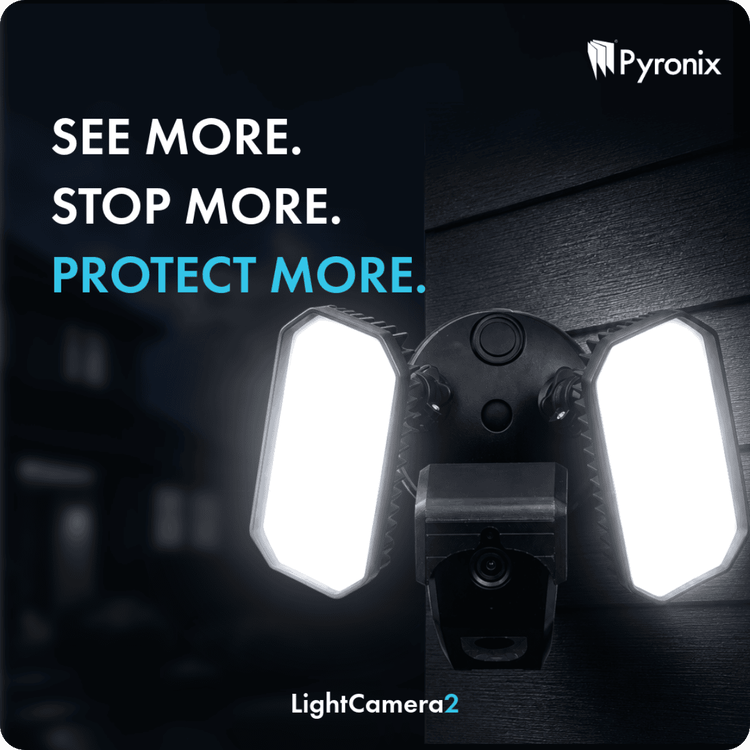
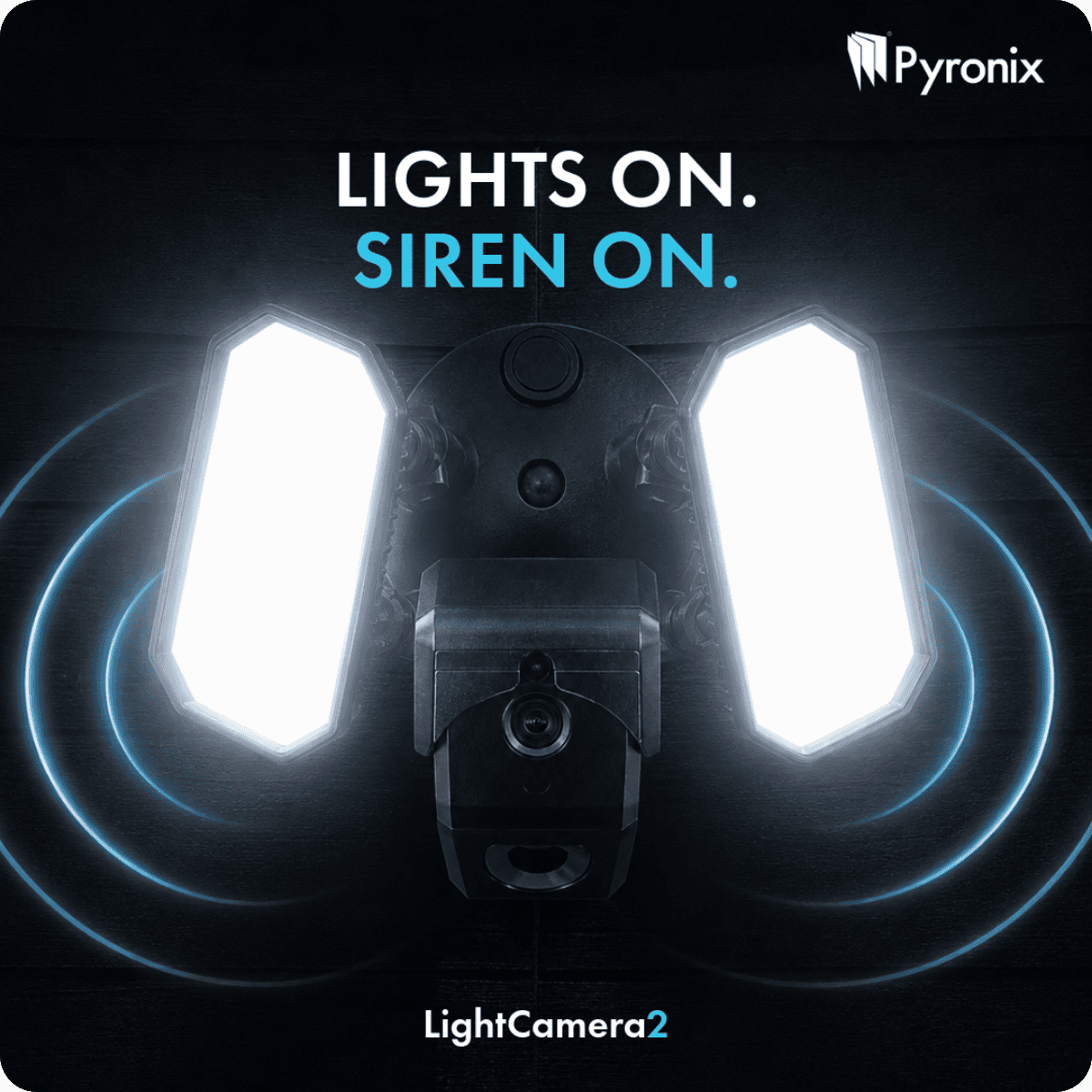
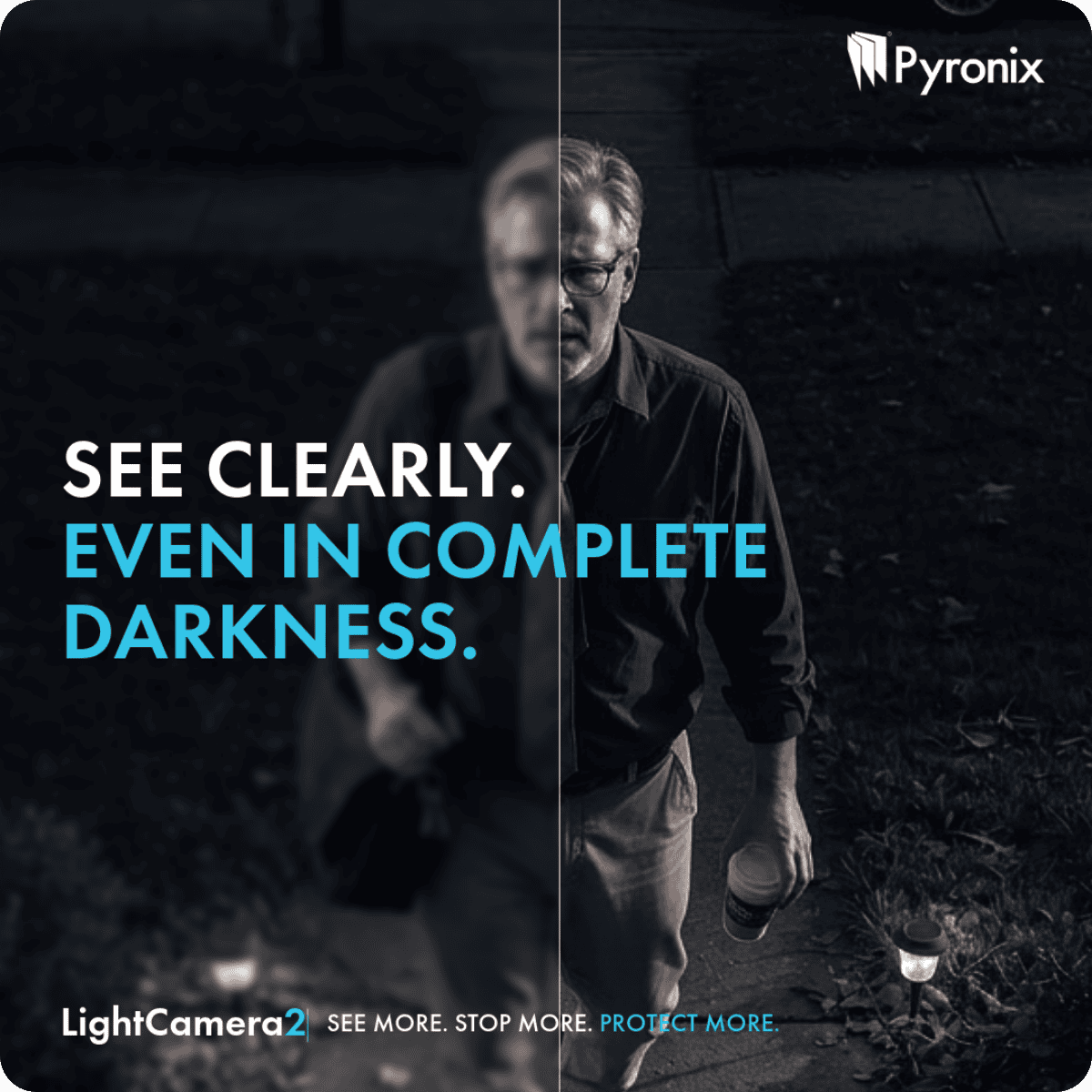
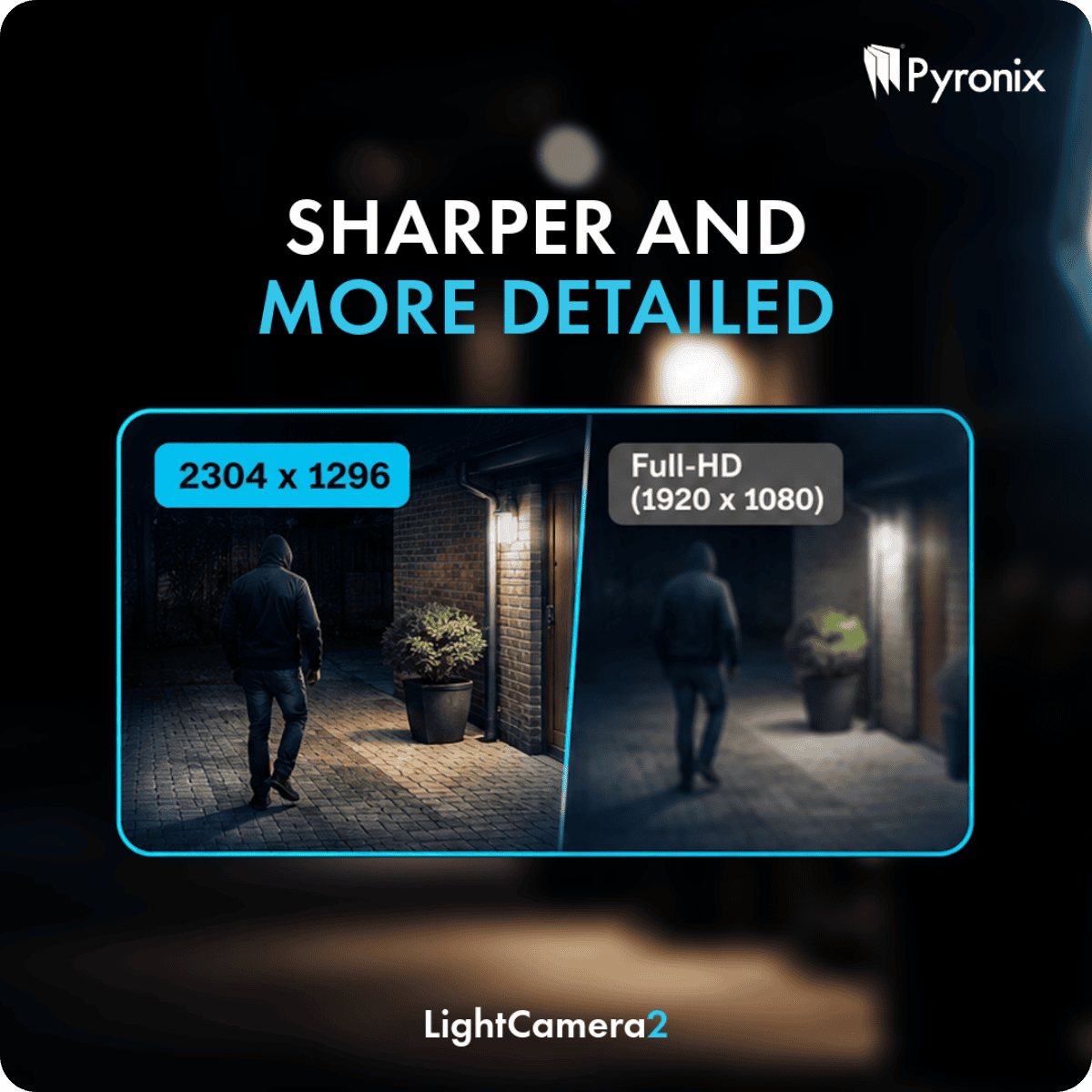
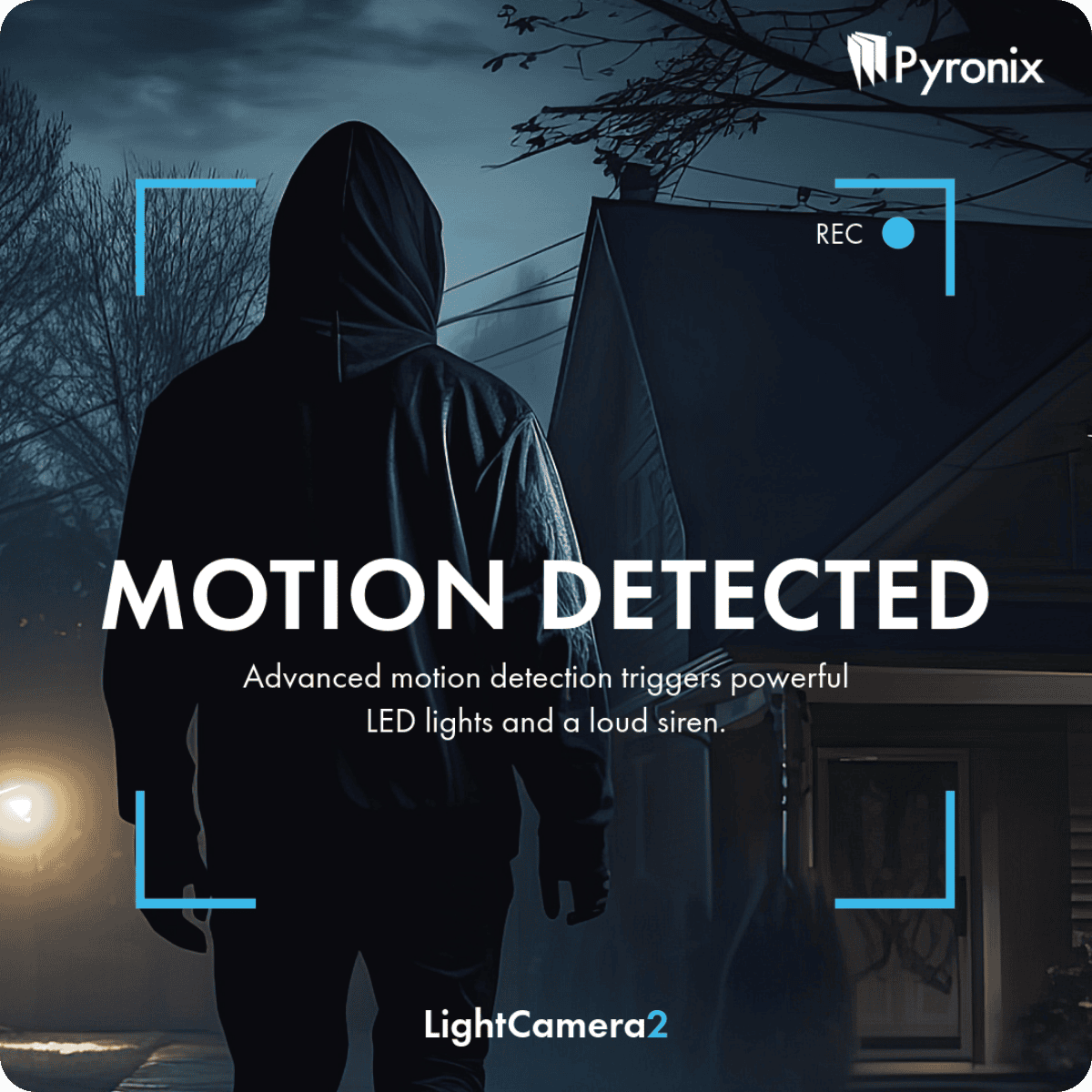
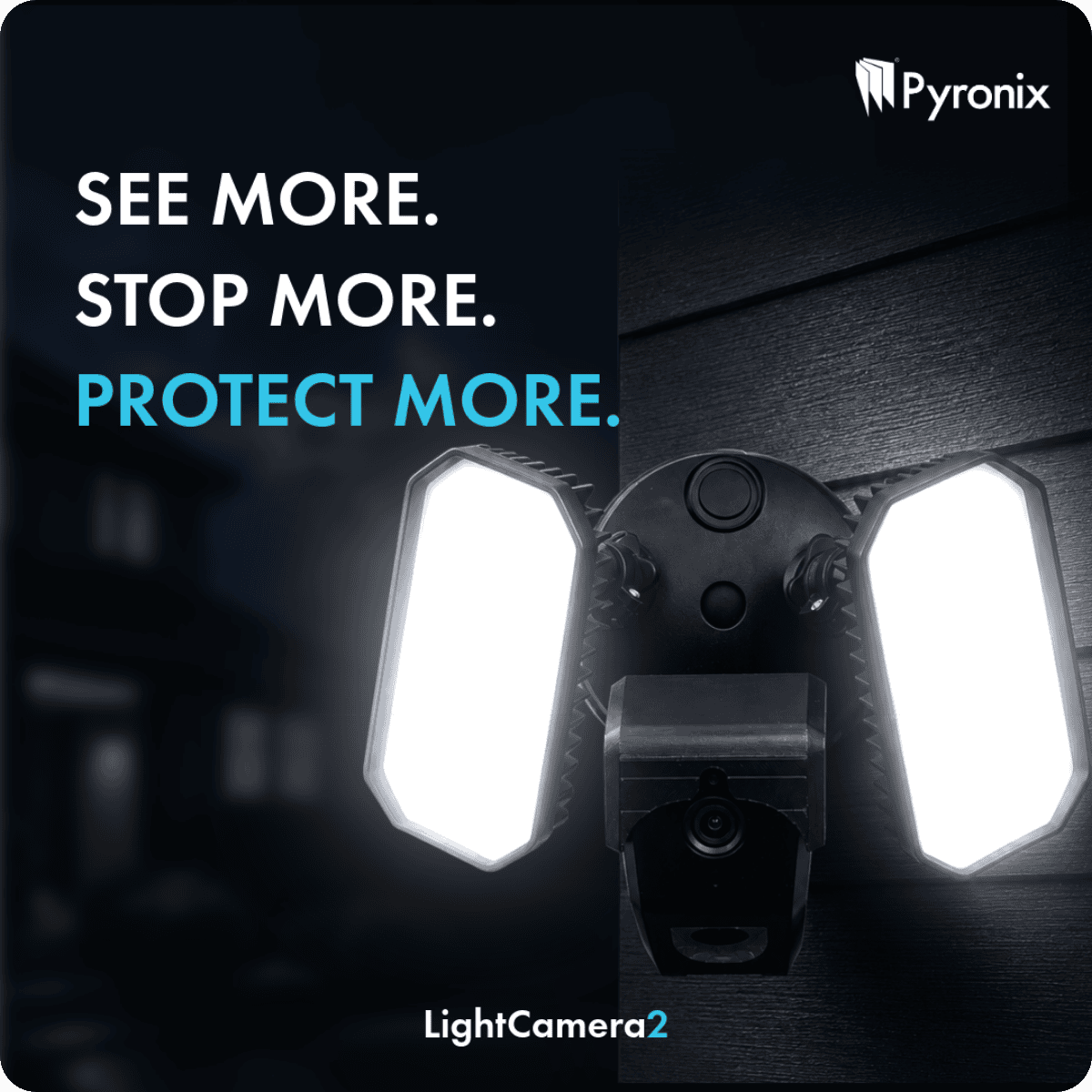
Introducing LightCamera2Available now from Security Warehouse. The new LightCamera2 combines high-definition video surveillance, intelligent motion detection and powerful integrated security lighting in one sleek outdoor security solution. When motion is detected, instant alerts are sent directly to your customer's smartphone, complete with an image snapshot, allowing them to see exactly what's happening in real time. With simple Wi-Fi setup and seamless integration with the HomeControl 2.0 App, LightCamera2 makes it easy to add effective, connected outdoor security to any property. Smart Detection, Tailored ProtectionEvery installation is different, which is why LightCamera2 offers fully customisable motion detection zones and sensitivity settings. By tailoring detection to the surrounding environment, installers can improve accuracy, reduce false alarms and provide customers with a security solution that works exactly as intended. Enhanced Image Quality with 3MP ResolutionEquipped with a high-performance 3MP image sensor, LightCamera2 captures footage at up to 2304 × 1296 resolution, delivering greater detail than standard Full HD cameras. The result is clearer footage, better identification of people and events, and improved visibility around the property both day and night. Reliable Night-Time MonitoringSecurity doesn't stop when the sun goes down. LightCamera2 features infrared night vision up to 18 metres, providing discreet and dependable monitoring in complete darkness. Invisible IR illumination ensures continuous surveillance without drawing attention to the camera itself. Active Deterrence with Built-In SirenMore than just a camera, LightCamera2 includes an integrated siren designed to deter unwanted visitors immediately. When triggered, the audible alarm helps alert occupants and discourage potential intruders, combining surveillance and active protection within a single device without the need for additional external sounders. A Complete Outdoor Security SolutionWith HD video, integrated lighting, intelligent detection, smartphone notifications, infrared night vision and a built-in siren, LightCamera2 delivers a powerful all-in-one solution for modern home security. Easy to install, simple to configure and designed for everyday protection, it's an ideal choice for customers looking to enhance outdoor security with smart, connected technology. Protect What Matters MostSmart Detection. Powerful Illumination. Instant Alerts.
-
Introducing the New Paxton PaxLock Pro2When it comes to access control, installers need solutions that are reliable, easy to specify, and straightforward to install. The new Paxton PaxLock Pro2 has been designed with exactly that in mind. Building on the success of the trusted PaxLock range, the Pro2 delivers enhanced functionality, simplified installation, and outstanding durability, making it an ideal choice for a wide range of access control applications. More Features. Less Complexity.PaxLock Pro2 has been redesigned to make installation faster and easier while offering greater convenience for end users. New enhancements, including an integrated privacy button, provide additional functionality without increasing complexity. The result is a smarter, more efficient wireless door handle that streamlines both installation and everyday operation. One Solution for Multiple ApplicationsDesigned for both internal and external-facing doors, PaxLock Pro2 provides a versatile solution that can be specified across a broad range of projects. Whether used as a standalone access control system or integrated with Paxton10 or Net2, PaxLock Pro2 is supplied as one product with one sales code, simplifying specification, ordering, and stock management for installers. Built for Demanding EnvironmentsDurability is at the heart of the PaxLock Pro2 design. Featuring an IK10-rated handle, Pro2 has been extensively tested and certified to withstand high-impact environments, making it a dependable choice for commercial and high-traffic installations. Long-term reliability is equally impressive, with battery performance supporting up to 55,000 operations or two years of typical use, reducing maintenance requirements and minimising disruption for end users. Certified. Trusted. Secure.Installers and customers need confidence that their access control solution will perform day after day. PaxLock Pro2 combines robust construction, rigorous testing and industry-recognised certification to deliver reliable performance where it matters most. Every unit is backed by a 5-year warranty, providing additional peace of mind for both installers and building owners. Designed Around InstallersFrom specification and installation through to ongoing operation, PaxLock Pro2 has been engineered to make access control simpler. With enhanced functionality, flexible installation options, a single sales code, and a durable, fully certified design, PaxLock Pro2 is a practical and cost-effective solution that can be confidently specified across a wide variety of projects. For You and Your CustomersCertified. Trusted. Secure.
Last week
-
assuming eol wiring you could use Knight Grade 2 Shock and Surface / Tilt Sensor [SEISMO] - £22.20 : , Best Price Promise
-
-
For a shop counter, I would focus first on getting a clear view of the customer, sales counter, and payment area. A camera with suitable viewing angles and good low-light performance would be more important than simply choosing the highest resolution. For the ZoneMinder setup, running the capture hardware directly on the Ubuntu system may be preferable to using VMware, since PCI capture-card passthrough can be problematic. An IP camera could also be worth considering because it avoids the need for a PCI capture card. For general guidance on networking and CCTV-related hardware, you can also check IT Hardware solutions.
-
ormsystems joined the community
-
Earlier
-
An aluminium frame window of my house was recently removed. The window installer removed the two RiSCO shock sensors (Model: RK600S0G3; P/N: RK600S0G300A; PD6662:2010; EN50131-2-8 Security; Grade 3, EC2). I will need two new sensors to install on the new window. The cables are there, and I believe they are fine. If the RK600S0G3 sensors are not available, please can you recommend the closest one? Around the house, other windows have the originally installed RK600S0G3 shock sensors. I am not sure if RK601SMG3 is the new version, but it seems to be a digital one, while all other sensors are wired. If I replace the dismantled wired RK600S0G3 shock sensors with the new digital RK601SMG3, do I need to install a dual module in the home alarm system? thank you.
-
-
-
Daveo joined the community
-
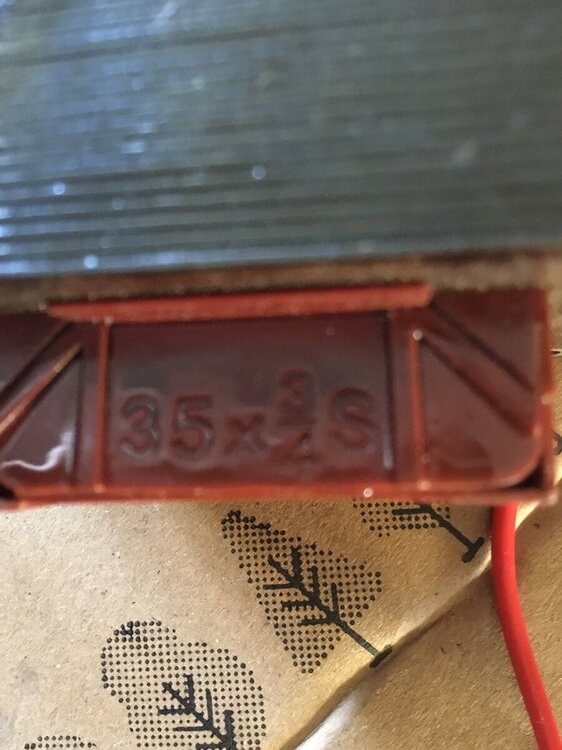
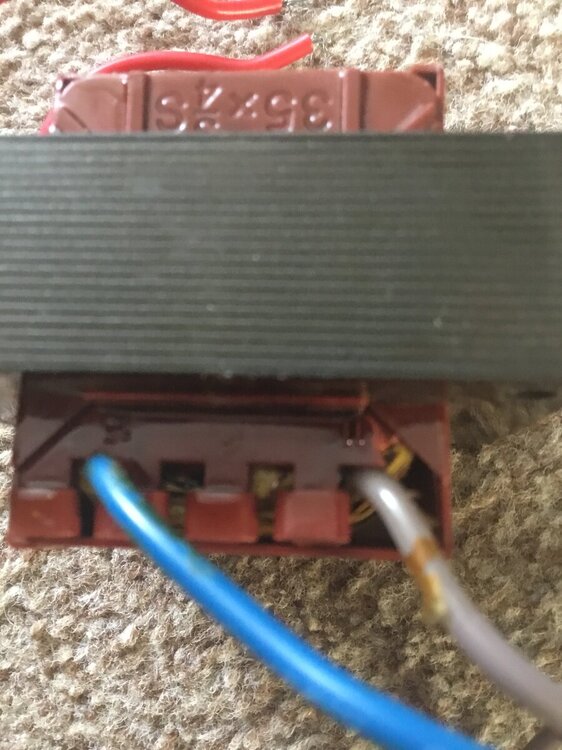
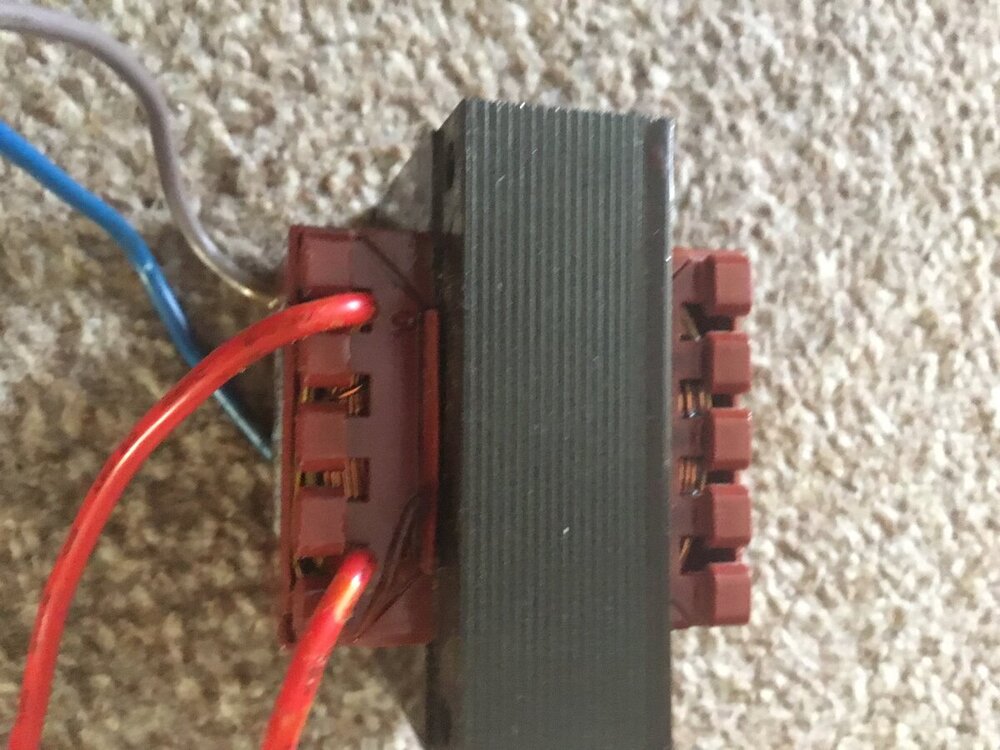
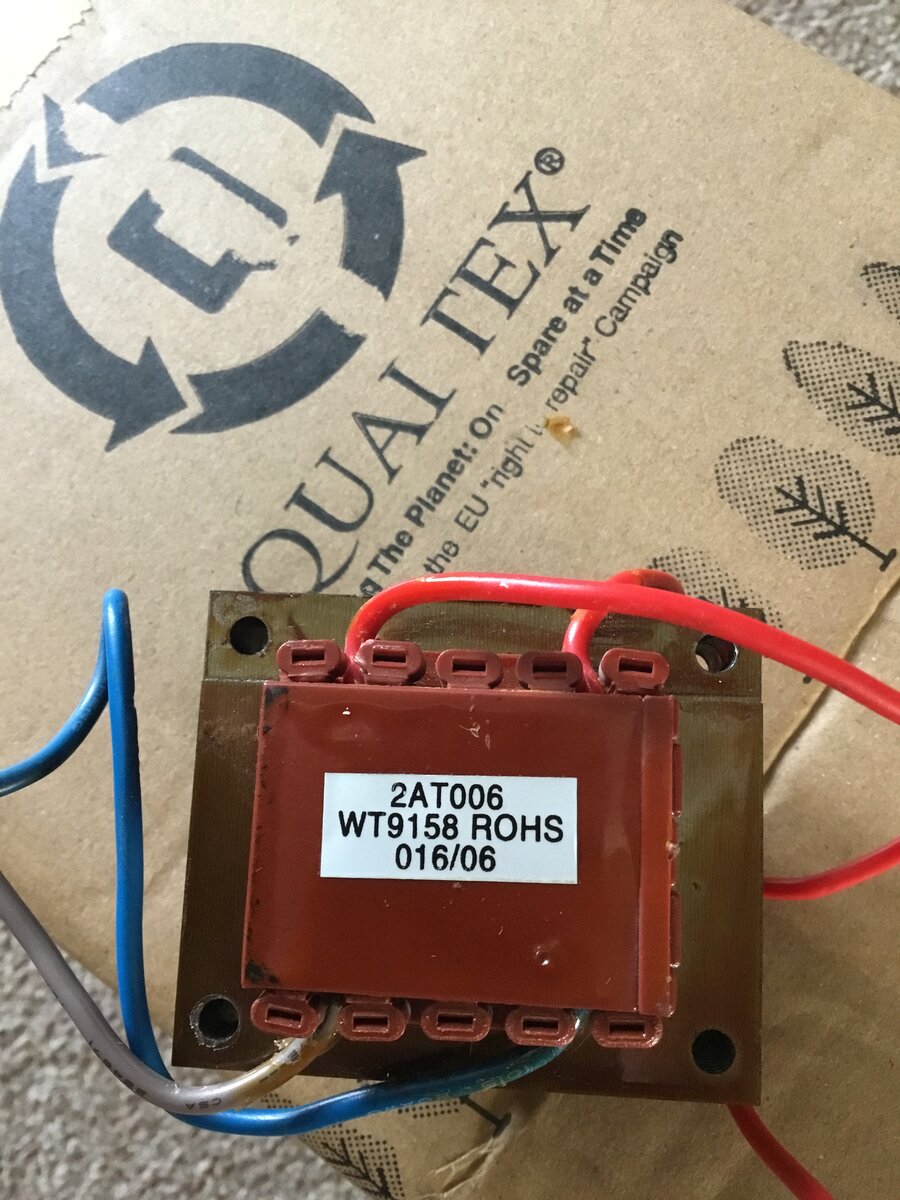
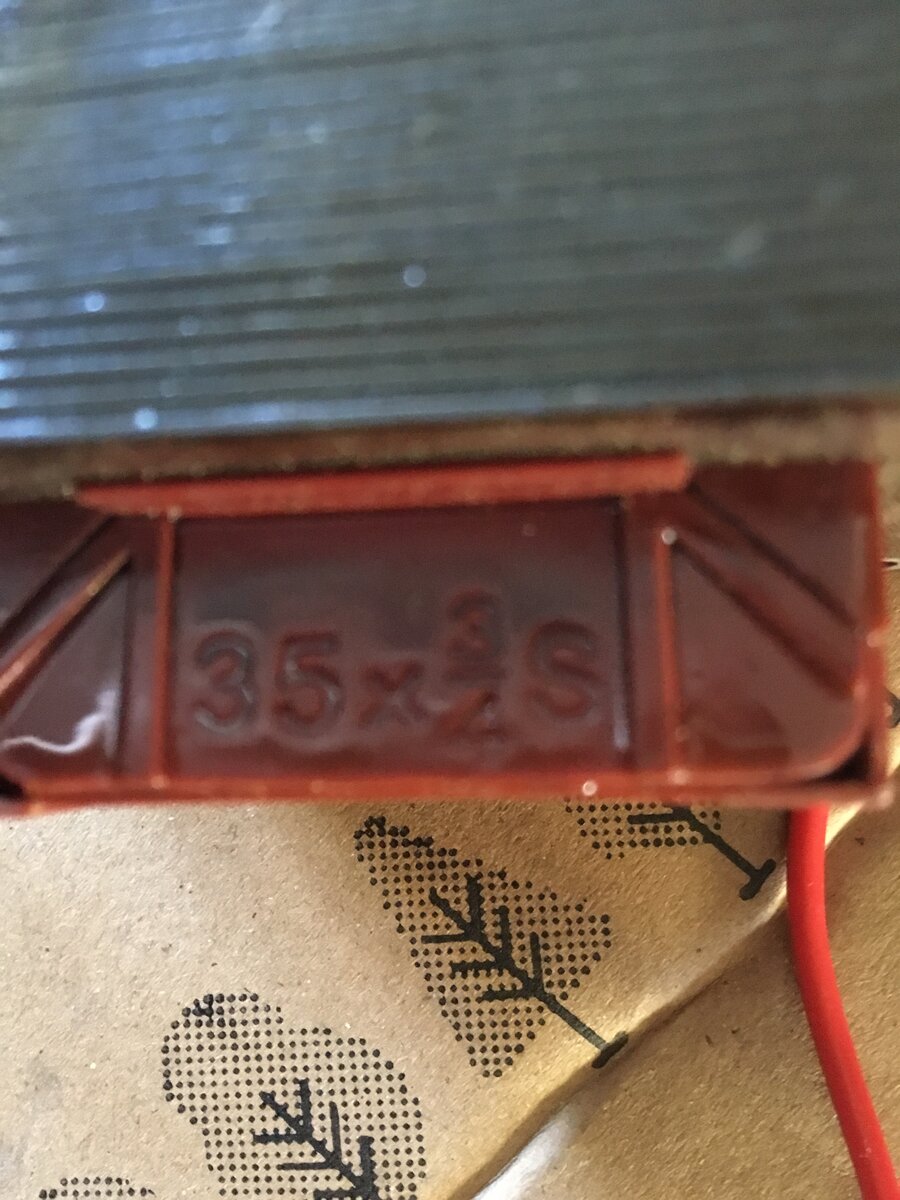
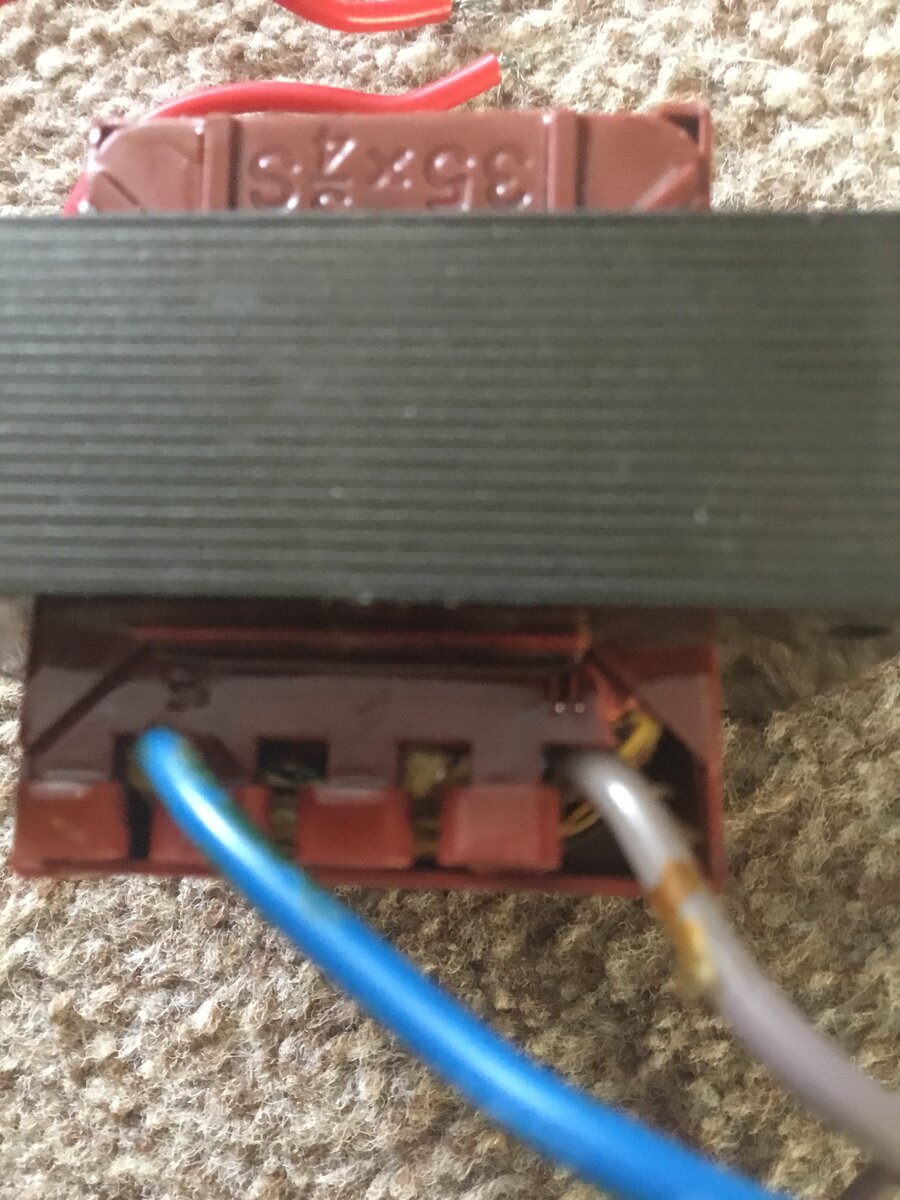
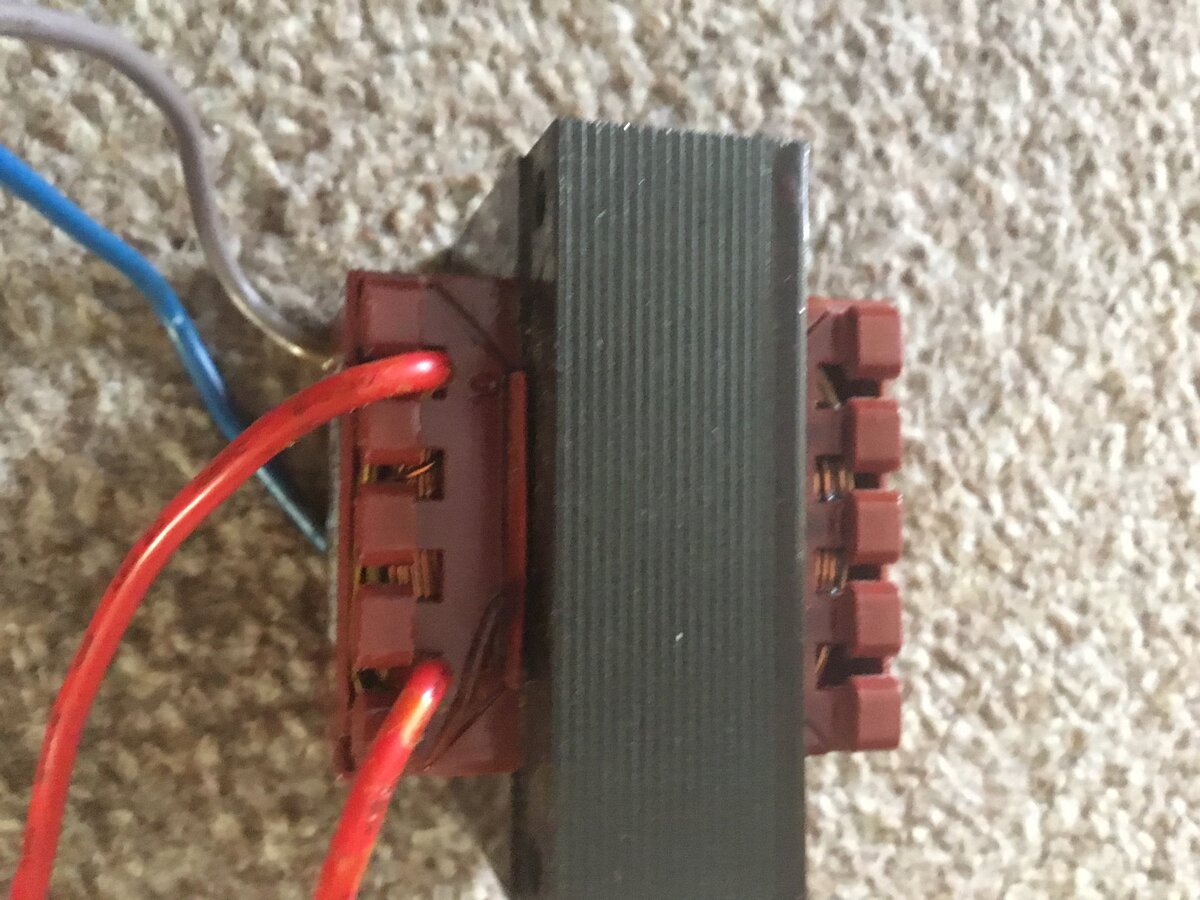
Hi I am looking for a compatibility transformer for a very old intruder alarm the control panel is a Avanti xp the transformer has blow the T250 fuse and smells of burning so needs replacing there is a label on it saying 2AT006. WT9158 ROHS. 016/06 it is square with no copper windings showing there are 4 cables two at one end and two at the other end two at one of the ends are blue and gray with blue one having number 15 next to the terminal and the gray one having the number 11 next to the terminal at the other end there is two red cables one of the red cables has the number 10 next to the terminal the other red cable I can’t see any number next to the terminal also the windings are in-capitulated on one the side of the transformer is printed 35x three quarters with the letter S at the end the transformer is for a Avanti xp intruder alarm can anyone give any information that will help me get a replacement please I have enclosed photos
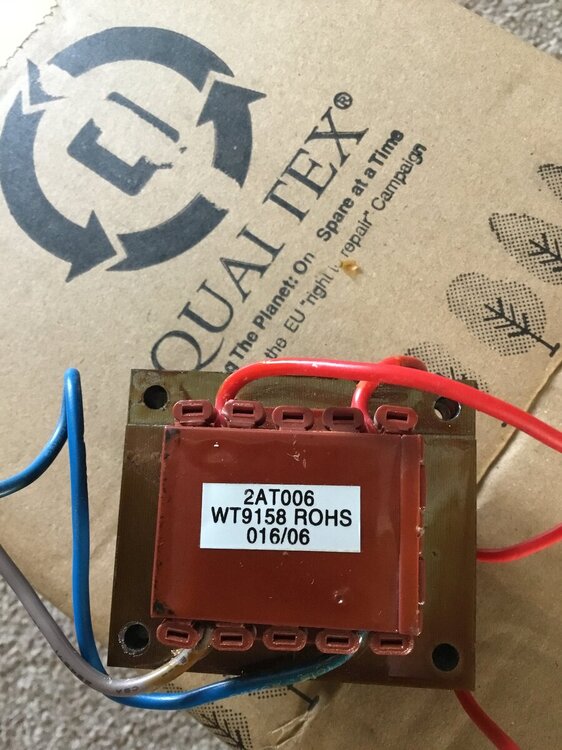
-
FlamerUK joined the community
-
Im sorry i dont understand the question, do you mean connect to an existing or do you mean contact and a keypad?
-
Elmdene Grade 2 Flush Contact (Red Resistors) [Elm-QFT(RD)] - £3.69 : , Best Price Promise
-
Sadly we cannot list how to disable an alarm system on a public support forum for obvious reasons.
-
if you have one then es they are still in use with many companies when servicing
-
the test terminal is usually only requred on a grade 3 system? What sensor do you currently have a photo of the sensor will help us identify it
-
The galaxy would do all that you need, then you will need the detectors etc as required, sounders and an IP module. However it seems you might be better off with a polled comms platform ie dualcom. Decting powerloss is programmable but switching over onto ups would require a ups with a clean output to connect to a circuit on the galaxy
-
I need to replace a PIR motion detector for my home alarm system. The sensor that needs replaced has 7 terminals at the top of the circuit board. They are: 12v power +/-, Alarm NC x2, Test x1, Tamper NC x2. Do you sell a detector with the same connections? I tried a Pyronix MeQBlue but it only has 6 terminals (no Test terminal) and also the terminals are at the bottom of the board and not the top ( the cable length and positioning are quite limited). Thanks for your help!
-
I'm setting up sensitive material outside my organization in a UK military environment in Portsmouth and we need a small alarm system with the following features : - small factor - covering a 20sqm room - ability to set it up ourselves. - volumetric detection - door opening detection - no wifi - alarm reporting via Internet app, over wired Ethernet - optional : alarm reporting through 4G/5G internet that can be deactivated or disabled. - optional : notice upon power loss or notice upon switching to UPS. - ability to deliver the system rapidly within a few days. I was thinking about something along the Honeywell Galaxy Flex range but other options would be acceptable. Do you have such a system, and would it be possible to purchase from you ?
-
Risco Vitron Glass Break Detector Tester https://www.securitywarehouse.co.uk/catalog/intruder-alarm-equipment-c-36/misc-detectors-c-36_84/risco-vitron-glass-break-detector-tester-p-1452.html ------------------------------------------------------ Have one of these in the garage, can it still be used ?
-
We do not use this alarm any more, but since a recent power cut the external alarm box is making bleeping noises continuously. How can I completely disable the alarm?
-
Elmdene Grade 2 Flush Contact (Red Resistors) [Elm-6QFC(RD)] - £4.13 : , Best Price Promise
-
Hi, Can you advise if there's an alternative for the Elmdene 6QFC-RD, It needs to be the same dimensions if possible please?
-
Do you have a door contact sensor that links to a key/code box to turn the alarm off when door is opened? It’ll be used on an outdoor shed/container?
-
The Manufacturer has advised that the following Ethernet module is compatible with the C003-M-E2 panel: Honeywell Galaxy Ethernet Module [E080-10] - £250.05 : , Best Price Promise Kind regards Support
-
Can you advise an alternative for the Elm-6QFC(RD) which is now obsolete, with the same dimensions please? Thanks Lisa




Forum Statistics
- Total Topics 3.3k
- Total Posts 7.9k
Who's Online (See full list)
- There are no registered users currently online
Member Statistics
- 27,277 Total Members
- 707 Most Online
-
ormsystems Newest Member ·