Secware_Tech6
Administrators
-
Joined
-
Last visited
-
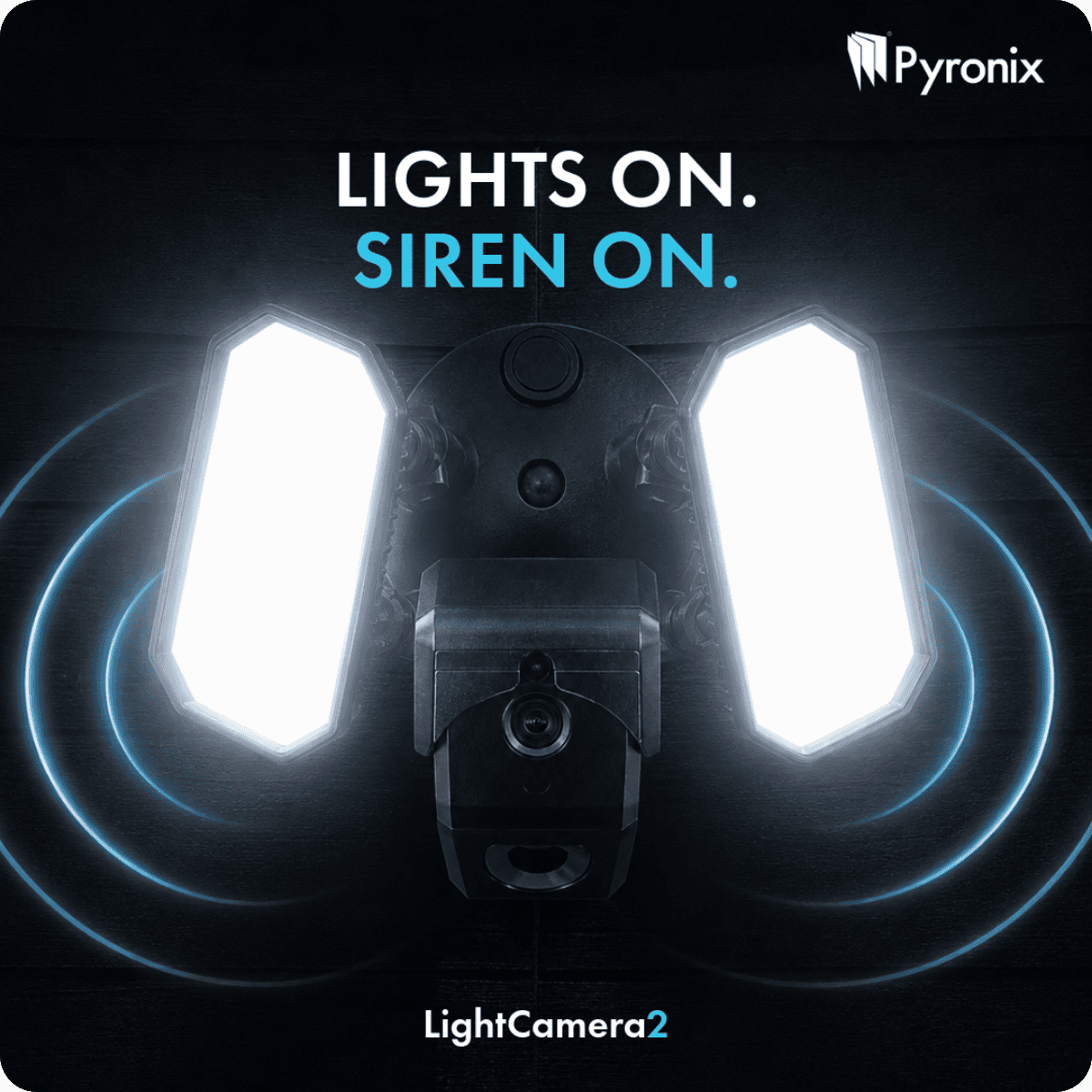
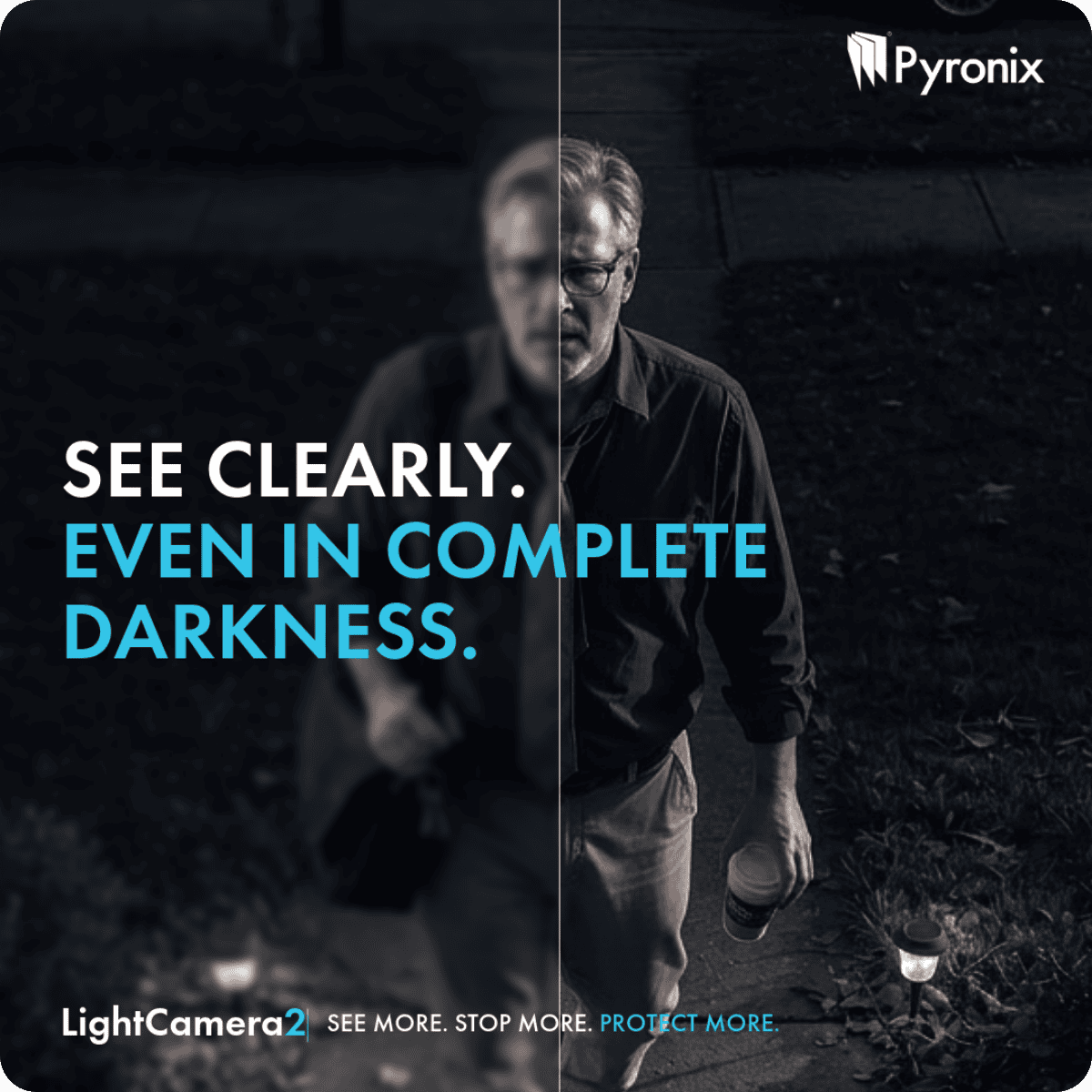
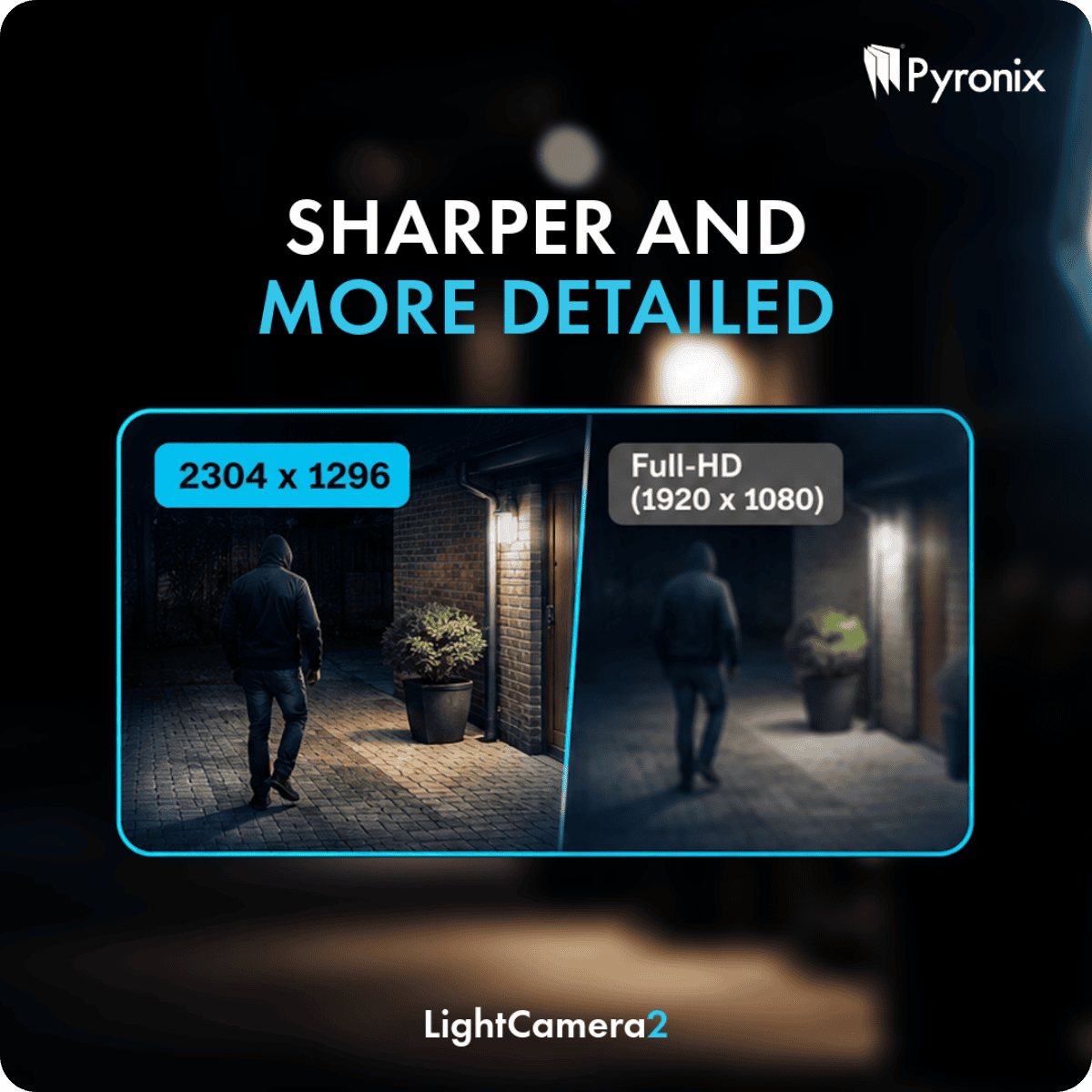
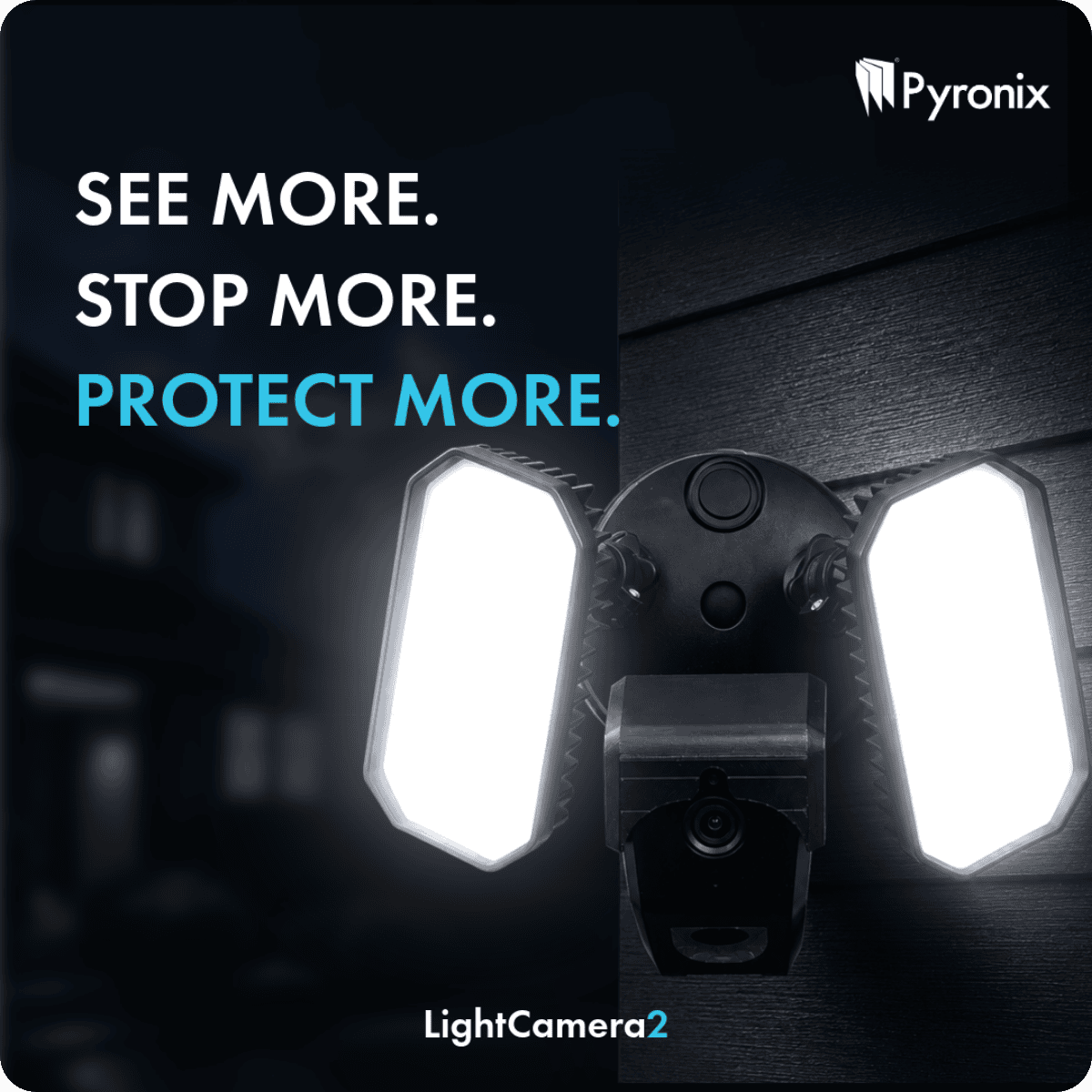
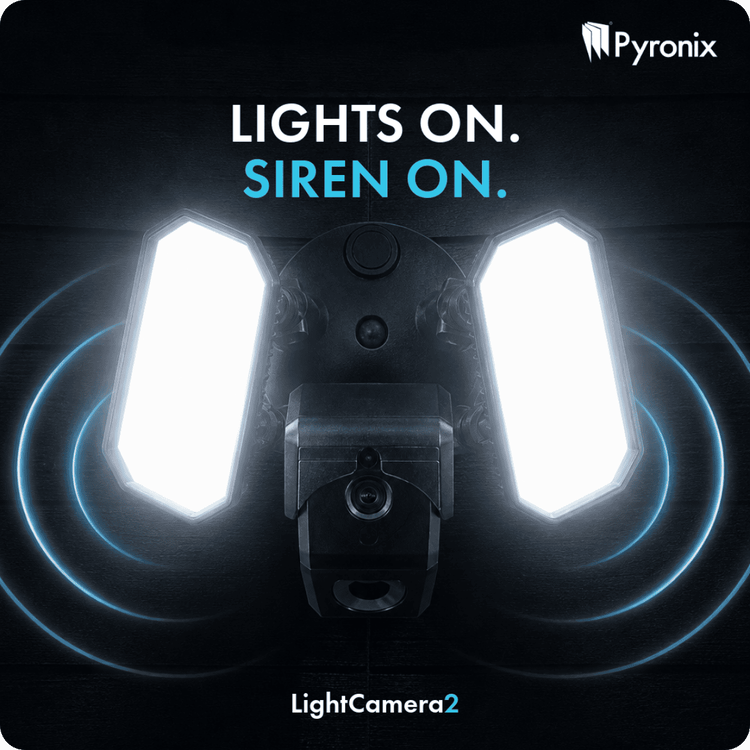
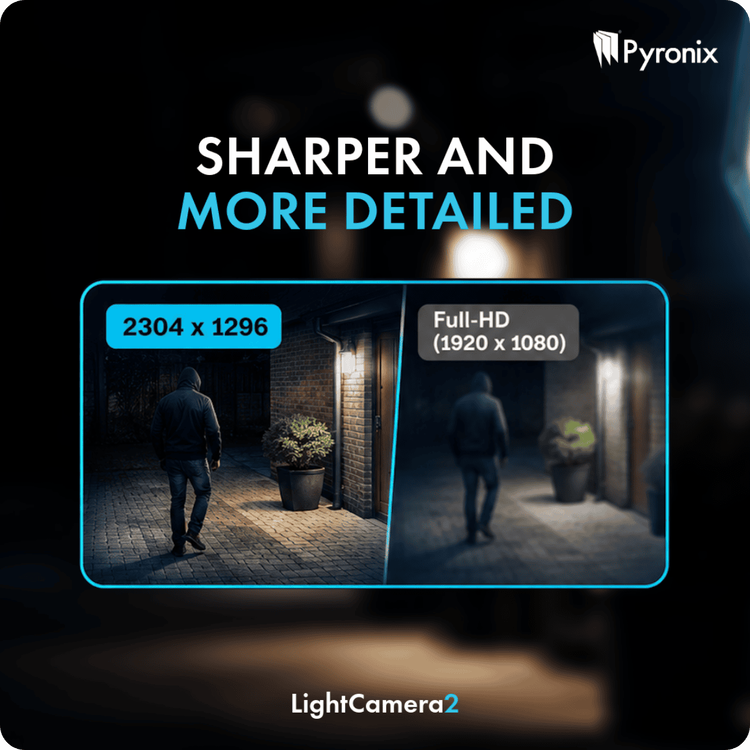
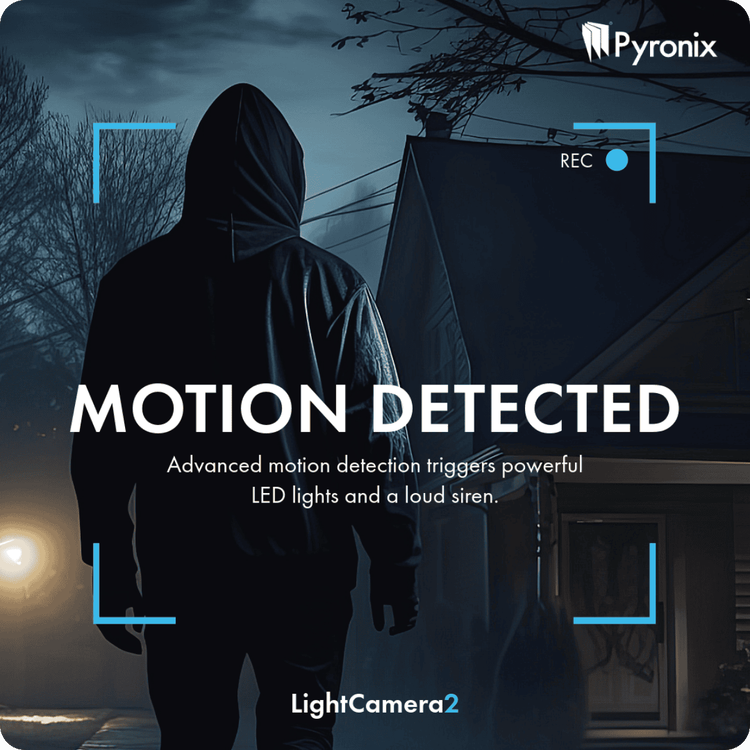
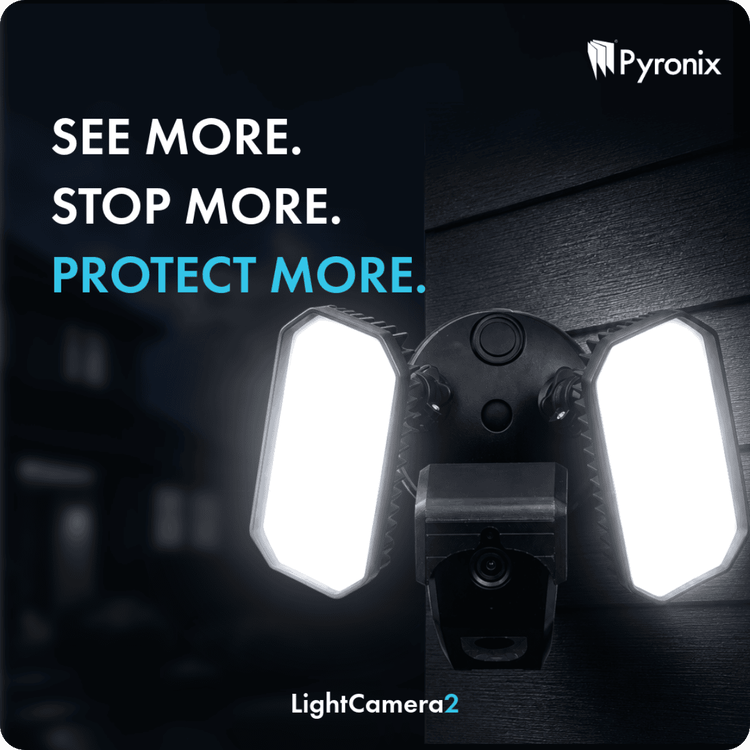
Introducing LightCamera2Available now from Security Warehouse. The new LightCamera2 combines high-definition video surveillance, intelligent motion detection and powerful integrated security lighting in one sleek outdoor security solution. When motion is detected, instant alerts are sent directly to your customer's smartphone, complete with an image snapshot, allowing them to see exactly what's happening in real time. With simple Wi-Fi setup and seamless integration with the HomeControl 2.0 App, LightCamera2 makes it easy to add effective, connected outdoor security to any property. Smart Detection, Tailored ProtectionEvery installation is different, which is why LightCamera2 offers fully customisable motion detection zones and sensitivity settings. By tailoring detection to the surrounding environment, installers can improve accuracy, reduce false alarms and provide customers with a security solution that works exactly as intended. Enhanced Image Quality with 3MP ResolutionEquipped with a high-performance 3MP image sensor, LightCamera2 captures footage at up to 2304 × 1296 resolution, delivering greater detail than standard Full HD cameras. The result is clearer footage, better identification of people and events, and improved visibility around the property both day and night. Reliable Night-Time MonitoringSecurity doesn't stop when the sun goes down. LightCamera2 features infrared night vision up to 18 metres, providing discreet and dependable monitoring in complete darkness. Invisible IR illumination ensures continuous surveillance without drawing attention to the camera itself. Active Deterrence with Built-In SirenMore than just a camera, LightCamera2 includes an integrated siren designed to deter unwanted visitors immediately. When triggered, the audible alarm helps alert occupants and discourage potential intruders, combining surveillance and active protection within a single device without the need for additional external sounders. A Complete Outdoor Security SolutionWith HD video, integrated lighting, intelligent detection, smartphone notifications, infrared night vision and a built-in siren, LightCamera2 delivers a powerful all-in-one solution for modern home security. Easy to install, simple to configure and designed for everyday protection, it's an ideal choice for customers looking to enhance outdoor security with smart, connected technology. Protect What Matters MostSmart Detection. Powerful Illumination. Instant Alerts.
-
Introducing the New Paxton PaxLock Pro2When it comes to access control, installers need solutions that are reliable, easy to specify, and straightforward to install. The new Paxton PaxLock Pro2 has been designed with exactly that in mind. Building on the success of the trusted PaxLock range, the Pro2 delivers enhanced functionality, simplified installation, and outstanding durability, making it an ideal choice for a wide range of access control applications. More Features. Less Complexity.PaxLock Pro2 has been redesigned to make installation faster and easier while offering greater convenience for end users. New enhancements, including an integrated privacy button, provide additional functionality without increasing complexity. The result is a smarter, more efficient wireless door handle that streamlines both installation and everyday operation. One Solution for Multiple ApplicationsDesigned for both internal and external-facing doors, PaxLock Pro2 provides a versatile solution that can be specified across a broad range of projects. Whether used as a standalone access control system or integrated with Paxton10 or Net2, PaxLock Pro2 is supplied as one product with one sales code, simplifying specification, ordering, and stock management for installers. Built for Demanding EnvironmentsDurability is at the heart of the PaxLock Pro2 design. Featuring an IK10-rated handle, Pro2 has been extensively tested and certified to withstand high-impact environments, making it a dependable choice for commercial and high-traffic installations. Long-term reliability is equally impressive, with battery performance supporting up to 55,000 operations or two years of typical use, reducing maintenance requirements and minimising disruption for end users. Certified. Trusted. Secure.Installers and customers need confidence that their access control solution will perform day after day. PaxLock Pro2 combines robust construction, rigorous testing and industry-recognised certification to deliver reliable performance where it matters most. Every unit is backed by a 5-year warranty, providing additional peace of mind for both installers and building owners. Designed Around InstallersFrom specification and installation through to ongoing operation, PaxLock Pro2 has been engineered to make access control simpler. With enhanced functionality, flexible installation options, a single sales code, and a durable, fully certified design, PaxLock Pro2 is a practical and cost-effective solution that can be confidently specified across a wide variety of projects. For You and Your CustomersCertified. Trusted. Secure.
-
assuming eol wiring you could use Knight Grade 2 Shock and Surface / Tilt Sensor [SEISMO] - £22.20 : , Best Price Promise
-
-
-
Im sorry i dont understand the question, do you mean connect to an existing or do you mean contact and a keypad?
-
Elmdene Grade 2 Flush Contact (Red Resistors) [Elm-QFT(RD)] - £3.69 : , Best Price Promise
-
Sadly we cannot list how to disable an alarm system on a public support forum for obvious reasons.
-
if you have one then es they are still in use with many companies when servicing
-
the test terminal is usually only requred on a grade 3 system? What sensor do you currently have a photo of the sensor will help us identify it
-
The galaxy would do all that you need, then you will need the detectors etc as required, sounders and an IP module. However it seems you might be better off with a polled comms platform ie dualcom. Decting powerloss is programmable but switching over onto ups would require a ups with a clean output to connect to a circuit on the galaxy
-
No any SAB module will need 3 wires to function 4 to comply. I dont know what you mean by
-
-
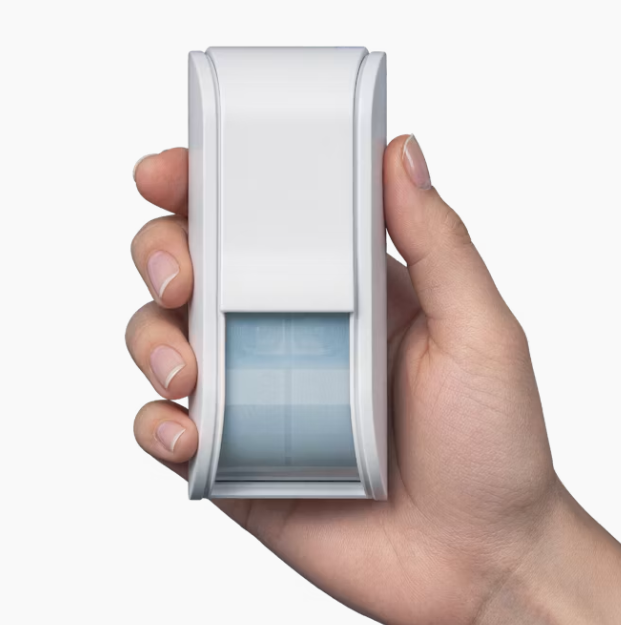
TXI Outdoor Curtain DetectorThe TXI is the world’s first high-mount curtain detector featuring patent-pending Triple AND Logic, delivering stable and accurate intrusion detection across the entire coverage area. Designed in a compact form, it provides reliable performance even in harsh outdoor environments, with true pet tolerance for real-world reliability. Compact Design with Advanced IntelligenceSmall in size but powerful in performance, the TXI is a discreet, high-mounted outdoor detector ideal for residential properties where appearance matters. Its sleek design blends seamlessly into building exteriors, while advanced detection technology operates in the background to ensure dependable security. Suitable for residential, commercial and outdoor applications, the TXI combines high-mount installation, curtain detection and intelligent false alarm reduction in a single compact unit. True Pet ToleranceUsing advanced volumetric sensing, the TXI accurately detects human movement while ignoring pets. This ensures reliable protection without nuisance alarms, even in active outdoor environments. Intelligent Detection PerformanceThe TXI’s patent-pending Triple AND Logic enhances detection accuracy by analysing multiple signals before triggering an alarm. This reduces false activations caused by pets, weather conditions or sunlight, ensuring consistent and dependable operation. High-Mount Curtain CoverageDesigned for flexible installation heights between 2.2 m and 4.0 m, the TXI provides stable and uniform detection across a wide range of applications. optex-TXI-datasheet-en-web.pdf
-
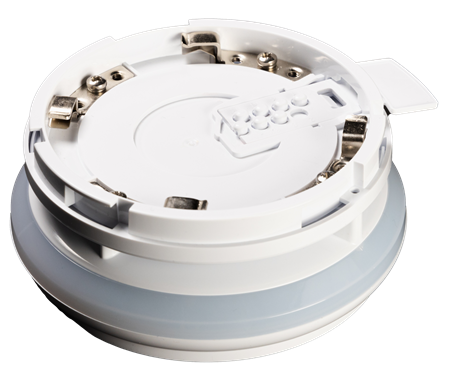
Apollo Discovery Base SounderThe Discovery Base Sounder is a loop-powered, addressable sounder designed for fast and efficient installation. It connects directly to an XPERT base, delivering reliable performance with flexible tone and volume control options. Key FeaturesSimple installation using XPERT 8 or XPERT 7 base 15 selectable tone pairs to suit site requirements 7 adjustable volume levels (up to 95 dB(A) at 1m) On-site setup and testing via control panel or at the device Group, global and individual control functionality Status reporting via the fire control panel Software-defined group addressing (up to 16 groups) Built-in short circuit isolator (when used with XPERT 8 base) Unique acoustic self-test feature Flexible Installation OptionsThe Discovery Base Sounder can be: Used with an Apollo addressable detector, or Installed as a standalone unit using a base cap (sold separately): White: 45681-292 Red: 45681-293 Black: 45681-296 For full functionality, including short circuit isolation, the sounder should be installed on the XPERT 8 Base (Part No. SA5000-20X) (sold separately). Adjustable Sound OutputWith a choice of 15 evacuation tones—including the standard Apollo tone—this sounder is suitable for a wide range of applications and local compliance requirements. A secondary tone can also be configured for alerts or warnings. Volume levels can be tailored per device during commissioning. Engineers can easily adjust settings on-site using a magnetic wand and then save configurations via the control panel. ComplianceFully compliant with EMC Directive 2014/30/EU Meets requirements of the Construction Products Regulation (EU) No. 305/2011 Declarations available via the Apollo website pp5143_discovery-base-sounder_issue-1.pdf