Daveo
Members
-
Joined
-
Last visited
-
-
-
Daveo joined the community
-
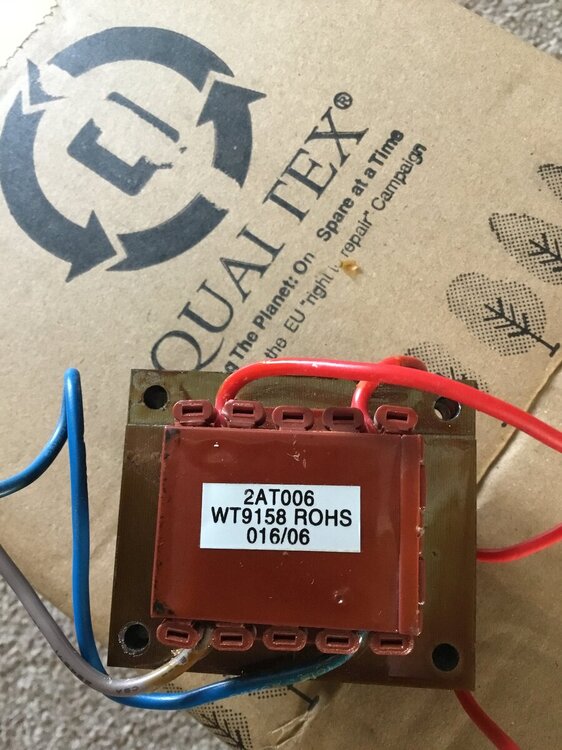
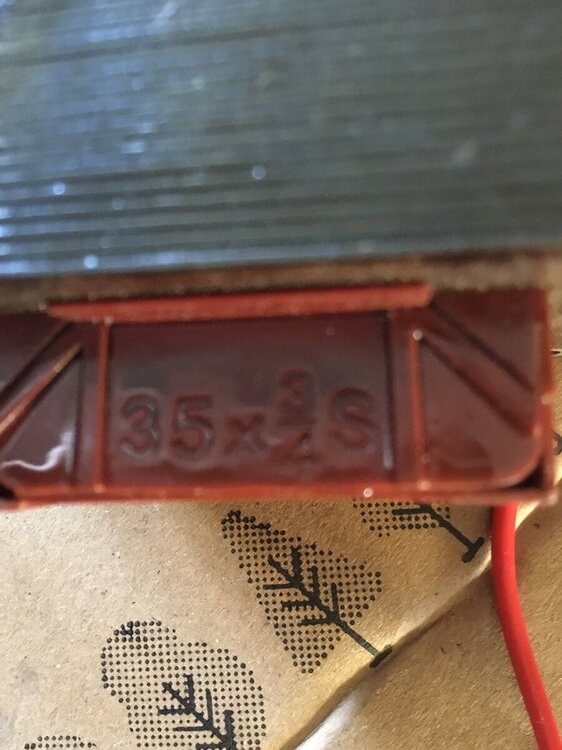
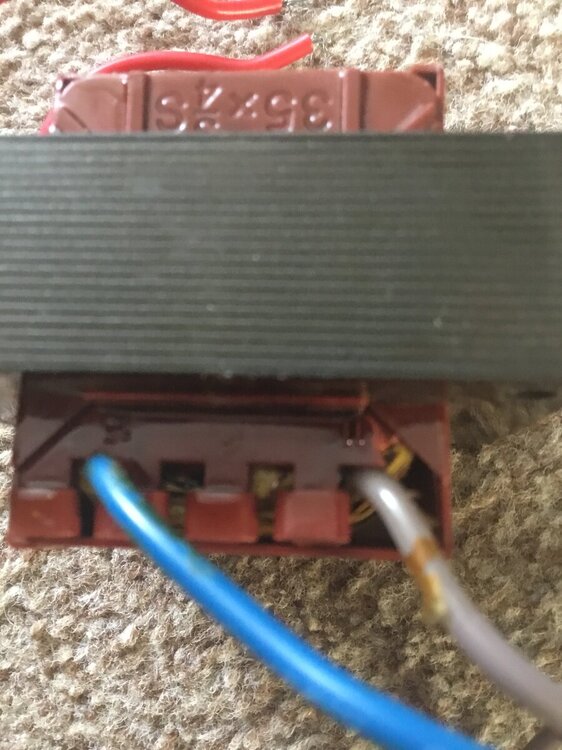
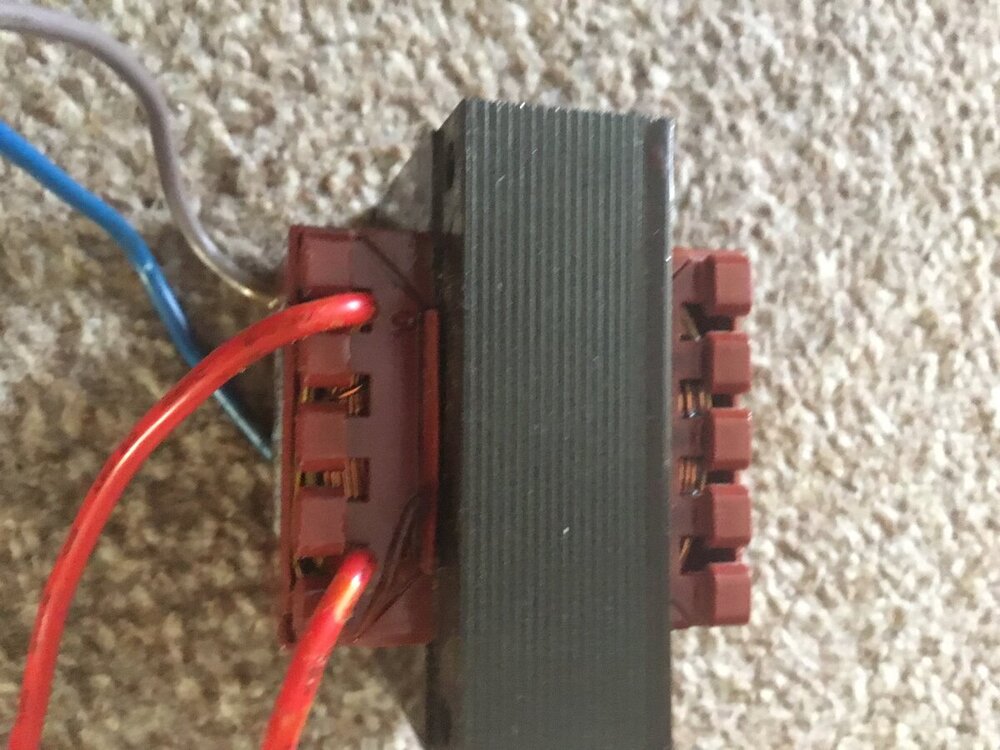
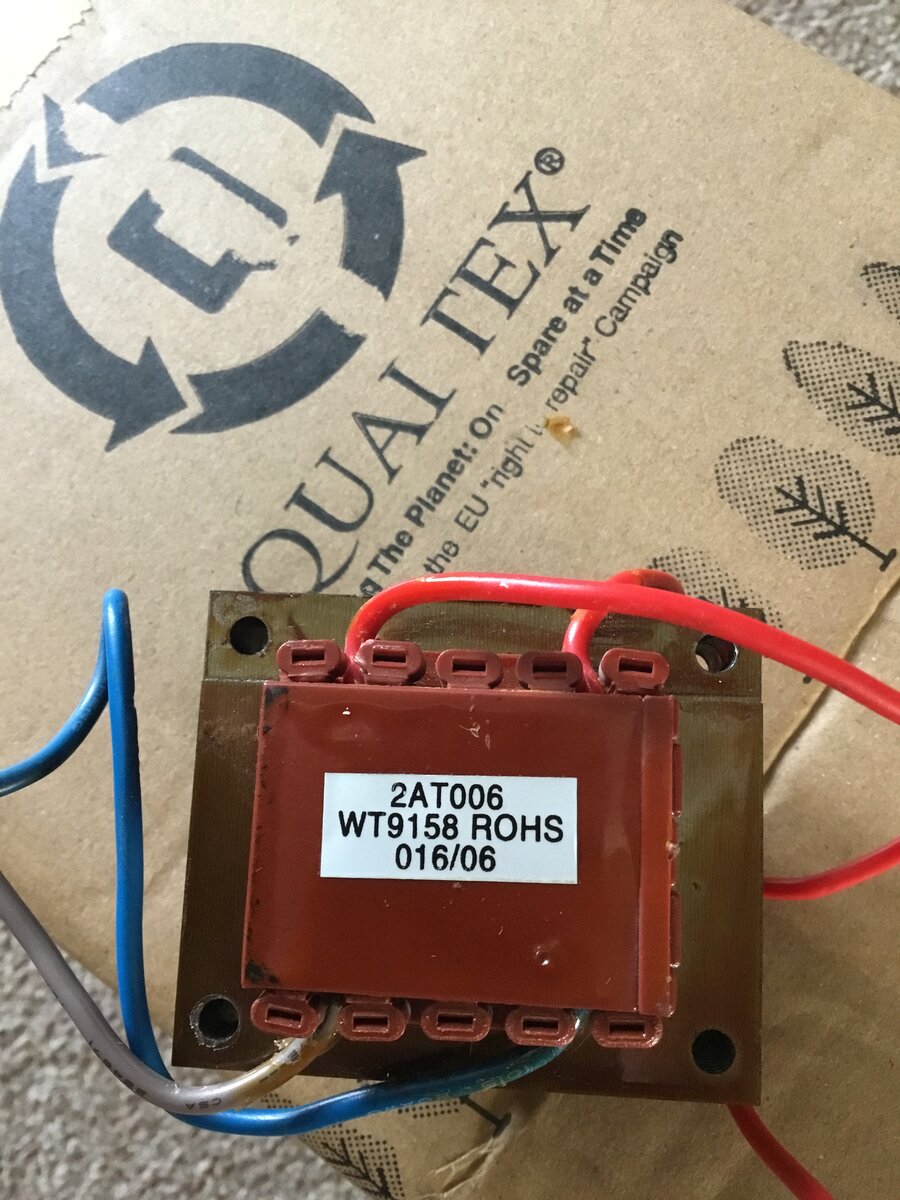
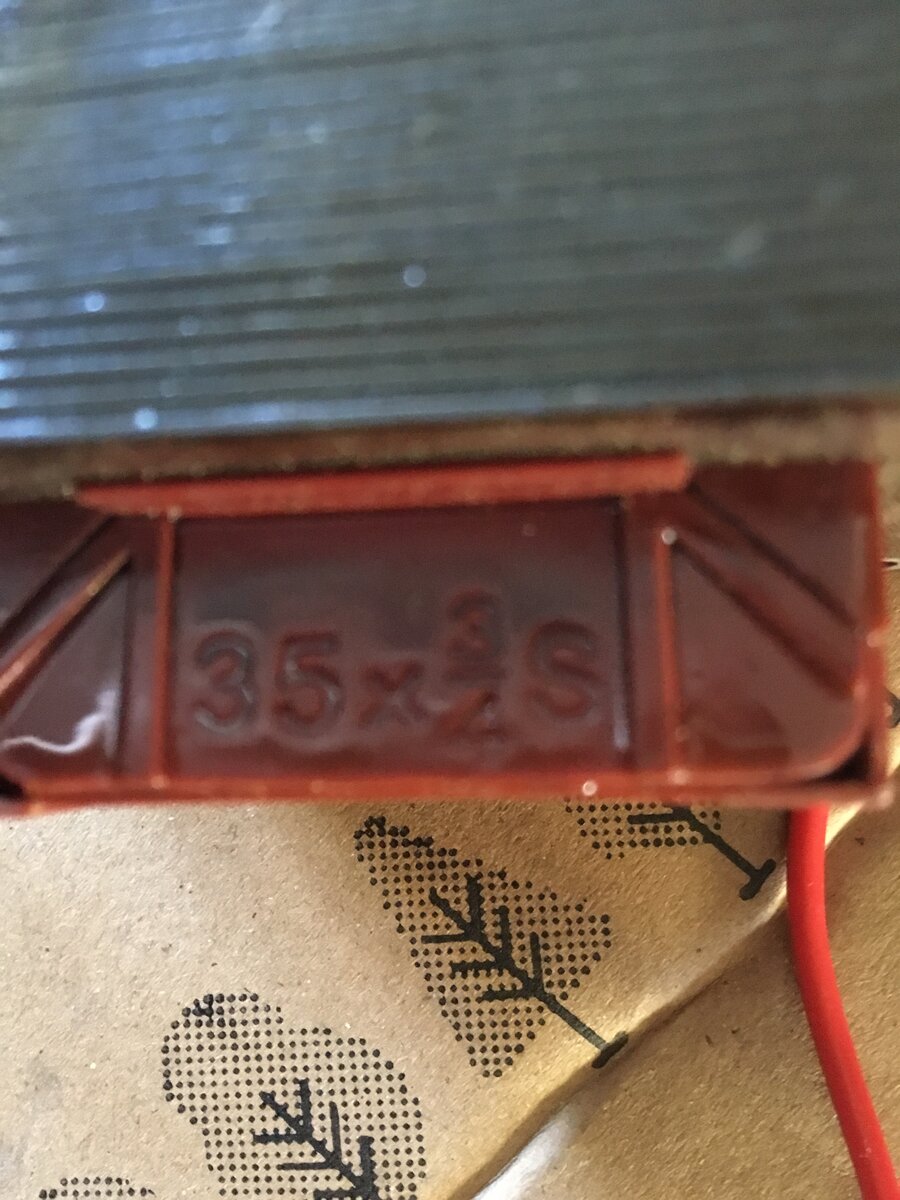
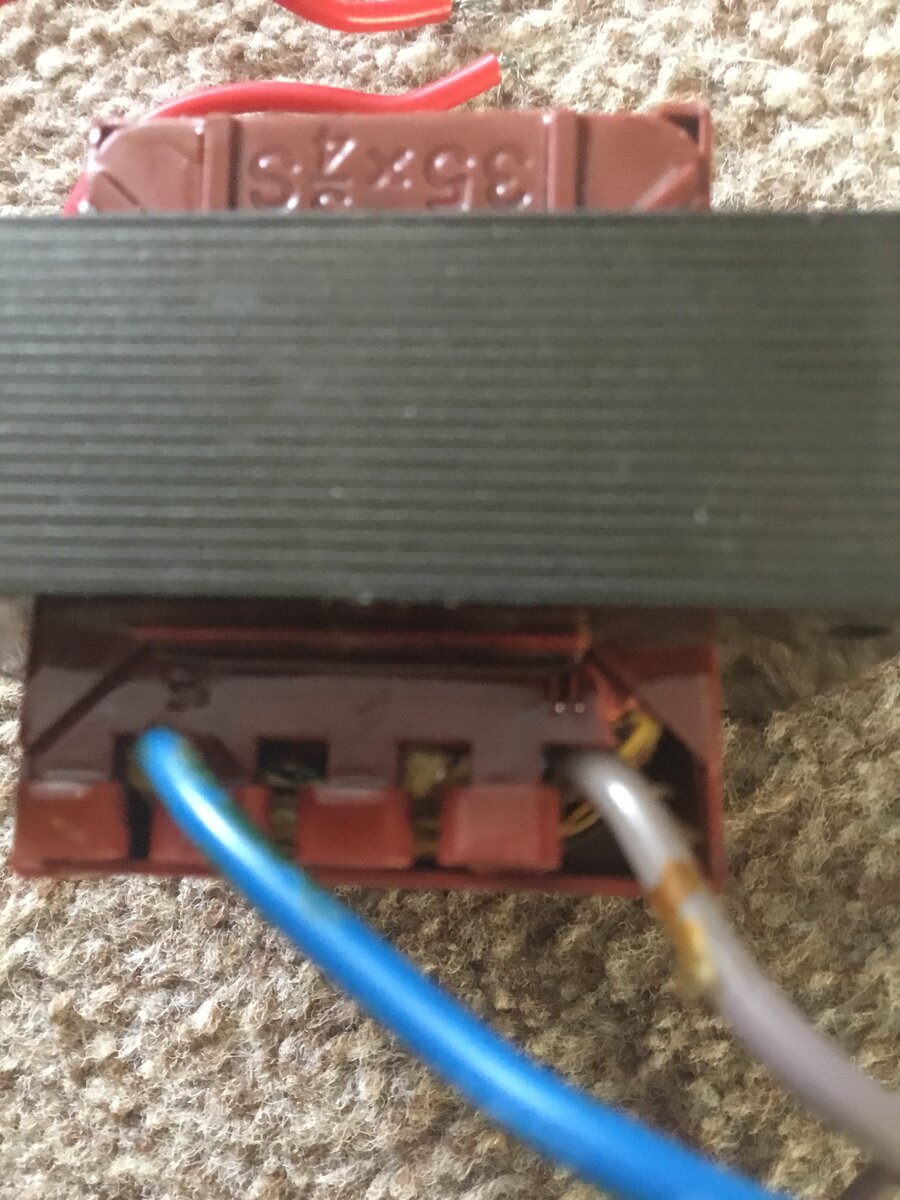
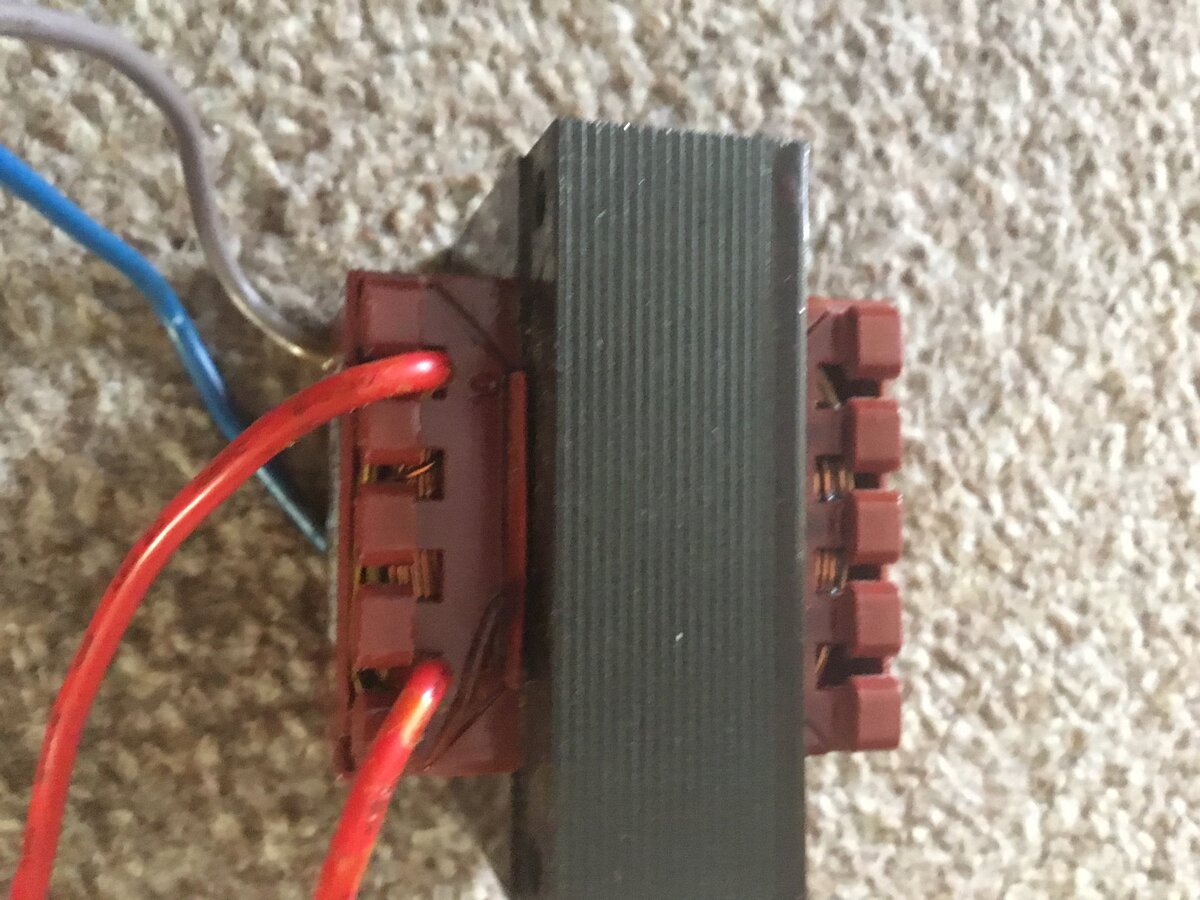
Hi I am looking for a compatibility transformer for a very old intruder alarm the control panel is a Avanti xp the transformer has blow the T250 fuse and smells of burning so needs replacing there is a label on it saying 2AT006. WT9158 ROHS. 016/06 it is square with no copper windings showing there are 4 cables two at one end and two at the other end two at one of the ends are blue and gray with blue one having number 15 next to the terminal and the gray one having the number 11 next to the terminal at the other end there is two red cables one of the red cables has the number 10 next to the terminal the other red cable I can’t see any number next to the terminal also the windings are in-capitulated on one the side of the transformer is printed 35x three quarters with the letter S at the end the transformer is for a Avanti xp intruder alarm can anyone give any information that will help me get a replacement please I have enclosed photos