Msc
Members
-
Joined
-
Last visited
-
Thanks for all your help, I have set the system up and as you advised, everything works except the keypad. The only prob I have is getting the sms messaging activated. There is no code in the box for this. I will need to order the CAMIR x2 sensors, do you have any in stock ? PS programming of le sucre is painless and simple (for anyone interested in changing from ADT).
-
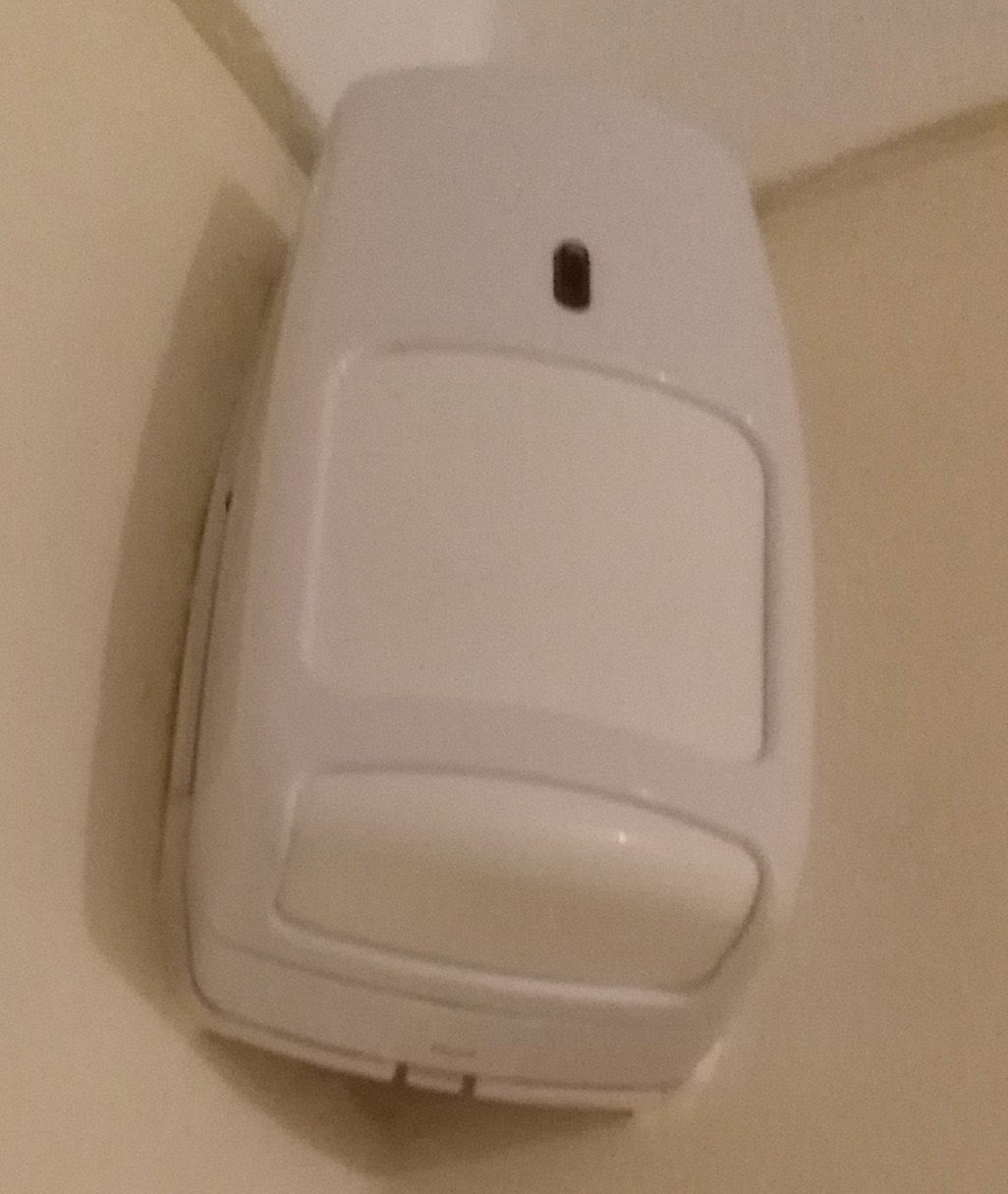
Hello I have attached an image of one of the sensors, they look like the le sucre sensors. The one in the kitchen is a dual tec and sensors on doors appear to be DOM08? I also have a keypad but I am not sure if this can be reused since it does not list it on the Honeywell le sucre documents. MSC
-
I am looking at self monitoring with me sucre, I have the right sensors which were used with my domonial panel. Can I reuse them? Programming let sucre seems to be easier via www. Just want to make sure the used sensors are not locked to the old panel. Thanks for any help